Video Modeling With Voiceover: Train Staff Faster
Video modeling with voiceover trains staff by showing a skill on screen with narration. Learn how it works, the research, and when BCBAs use it.
Key takeaway
Video modeling with voiceover is a way to train staff. You film someone doing a skill the right way. A voice explains each step as it happens on screen.
Supervision Articles Deep Dive
Free learning path on this topic
Supervision, Done Right
Four supervision CEUs that build on each other. What reflective supervision is, how to build a supervision system, how to assess supervisee competence instead of counting hours, and how supervision affects provider outcomes. The BACB asks supervisors for three supervision CEUs per cycle. This covers it.
Experts who cover this
The recording behind this guide covers video modeling with voiceover.
- Featured talk3.50 Supervision CEUs
Supervision Articles Deep Dive
Matt HarringtonThe Behaviorist Bookclub
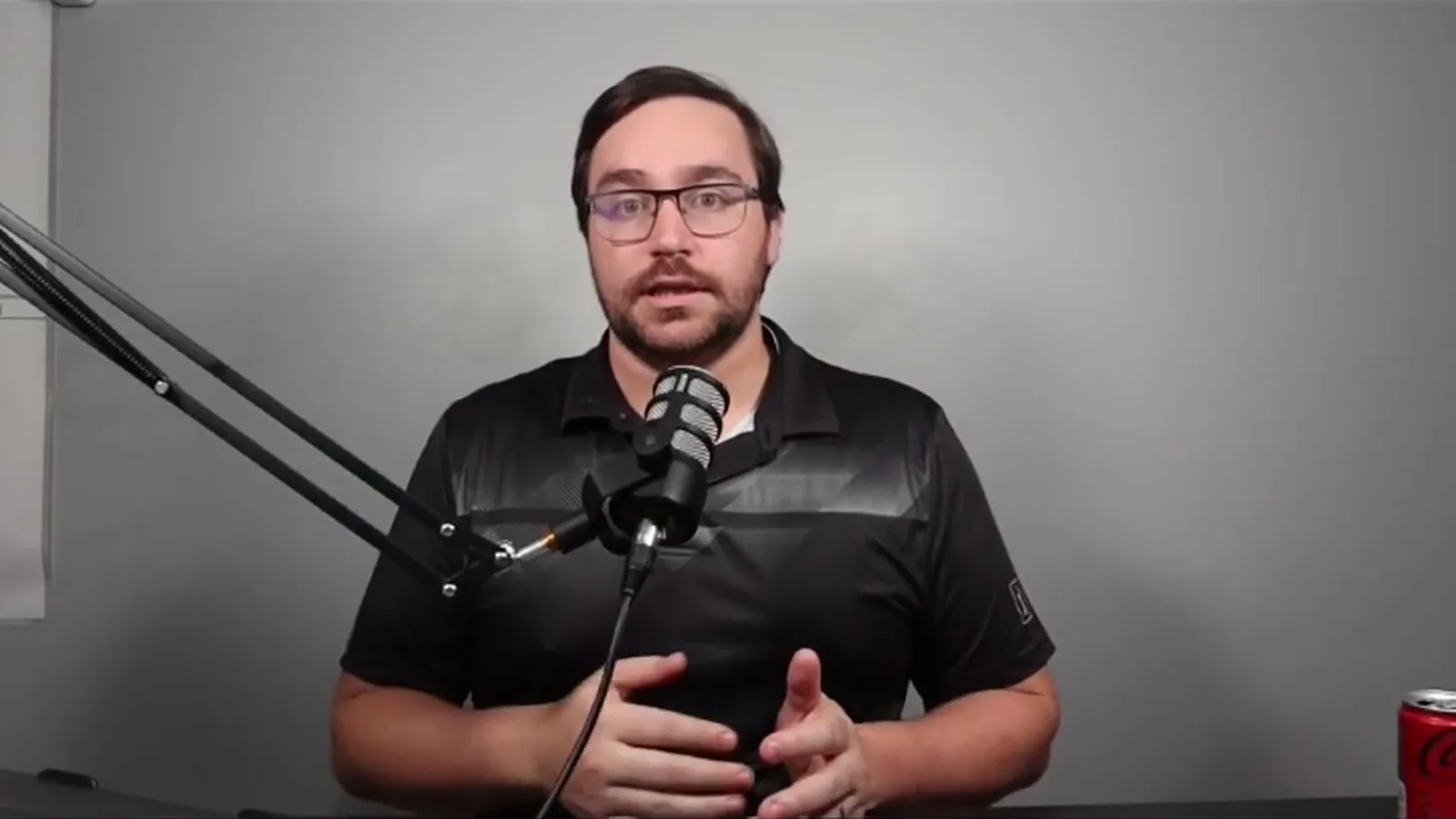
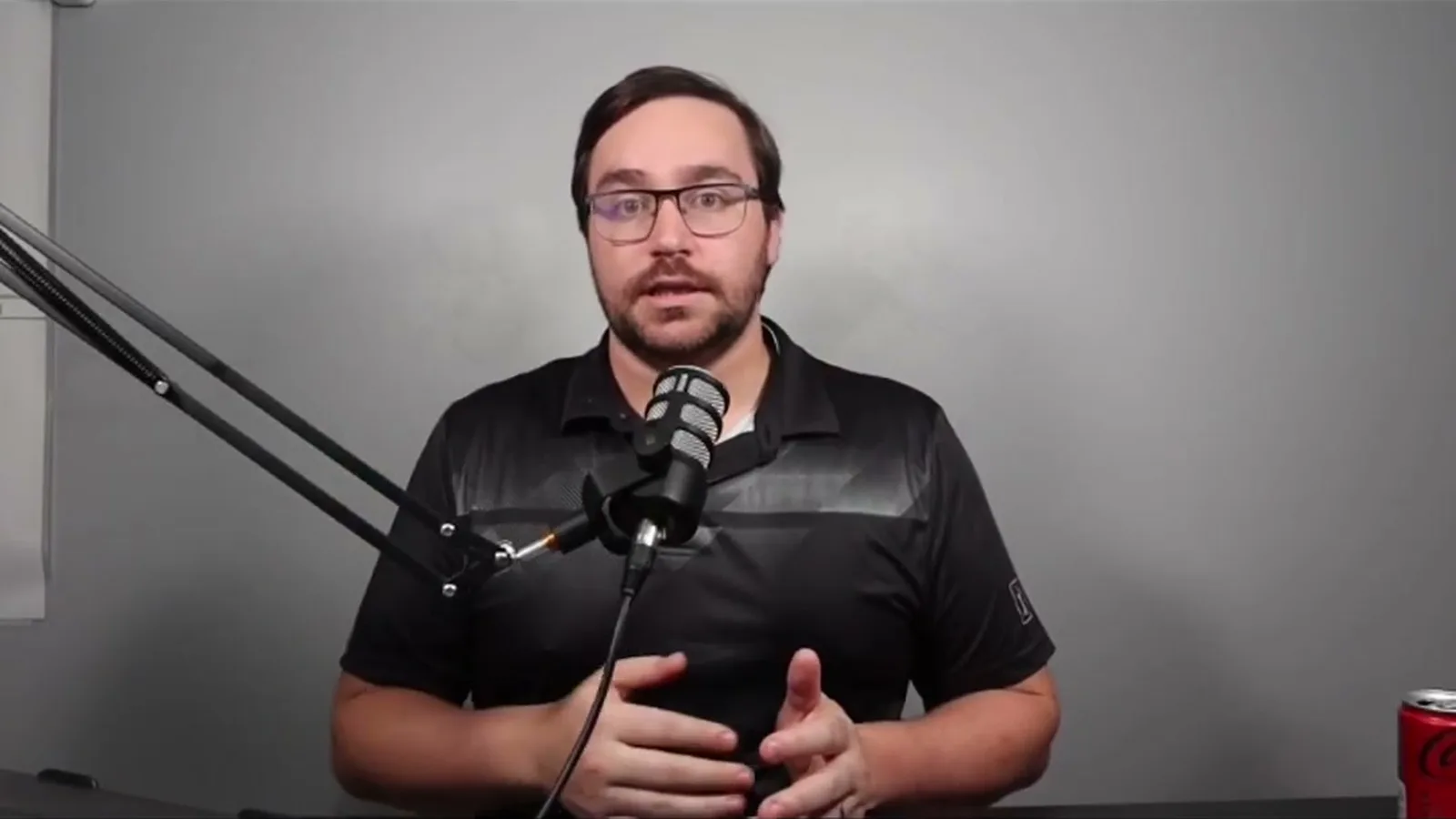
Covering a replication study, Harrington details how a 15-minute video-with-voiceover protocol, taking roughly 40 minutes to film, trained five supervisors to…
On this page · 8 sections▾
Video modeling with voiceover is a way to train staff. You film someone doing a skill the right way. A voice explains each step as it happens on screen. The learner watches and copies what they see.
This method saves time for busy teams. A short video can train many people at once. BCBAs, RBTs, supervisors, and parents can all use it. It works because people learn well by watching a clear example.
What makes this method different#
A lecture tells you what to do. A video model shows you the skill in action. That difference matters a lot. You see the real behavior, not just words about it.
The voiceover adds a guide on top of the picture. It points out each step as it happens. This keeps the learner focused on what counts. It also helps them notice small details they might miss.
So video modeling plus voiceover, different than like a presentation or a lecture. The key here is that you're engaging in observational learning because you're watching the thing happen. From the talk — Matt Harrington
Observational learning means learning by watching others. It is one of the oldest ideas in behavior science. A good video model puts that idea to work. The learner copies a strong example instead of guessing.
How fast it works#
The speed is the big draw here. Matt Harrington covered a study on training supervisors in Supervision Articles Deep Dive. The film itself was short and simple to make. The results came quickly once staff started watching.
The training video ran about 15 minutes. It took roughly 40 minutes to film. Five supervisors reached mastery in about 2.4 hours on average. Mastery means doing every step of the skill correctly.
Baseline performance was low. 21%? Pretty average. All five reached mastery after one to three viewings. From the talk — Matt Harrington
Baseline means how well they did before any training. Starting at 21% is weak. After one to three viewings, all five hit mastery. That is a fast jump from a short video.
The skills stuck over time#
Learning a skill fast is nice. Keeping that skill is what really matters. A method that fades in a week is not worth much. This is where the method proved its value.
The supervisors were tested again one month later. They still ran the protocol the right way. They also said they liked using the method. Staff who enjoy a tool are more likely to keep it.
All the supervisors were still doing it correctly one month after, and the supervisors liked it. From the talk — Matt Harrington
Good training should also pass down the chain. In the study, supervisors learned an eight-step feedback protocol. Then they gave that feedback to their own RBTs. The RBTs improved too, so the skill transferred down.
Where BCBAs use it#
 Advertisement
This method fits many training jobs. Teams use it to teach direct-service skills. They also use it for supervisor and leadership skills. The same recipe works across very different tasks.
One common use is discrete-trial instruction. This is a step-by-step teaching method for new skills. Staff can learn to run it well from a video model. They practice on the real setup after they watch.
Another use is caregiver training over telehealth. Therapists coach parents through a screen. Video modeling can teach the therapist how to coach. This helps when in-person training is hard to set up.
The method also teaches office skills like graphing. Behavior analysts must make clean charts of their data. A video model can walk them through the software. The same watch-and-copy pattern still applies.
When to add feedback#
Video modeling works well on its own. Still, it is not magic for every learner. Some people need a bit more help to reach mastery. A little coaching can close that gap.
The extra help is usually simple feedback. A supervisor watches the staff member try the skill. They point out what went right and what to fix. This pairs the video with quick, direct guidance.
Research backs this mix. In one telehealth study, most therapists learned from the video alone. A few needed added feedback to get there. So a smart plan keeps feedback ready as a backup.
How to build a good video model#
A strong video starts with a clear task. Break the skill into small, simple steps. Write those steps down before you film. This becomes your script for the voiceover.
Film the skill done the right way. Keep the shot steady and easy to see. Show the whole action, not just parts of it. A clean, full view helps the learner copy it.
Then record the voiceover over the video. Name each step as it plays on screen. Use plain words and a calm pace. Short and clear beats long and fancy every time.
You can also show a wrong way on purpose. Then show the right way next to it. This helps learners see the exact difference. Research suggests this mix can boost how well staff perform.
What the research says#
The method has strong support across many studies. Supervisors have been trained to give better feedback with it. One study taught four supervisors an eight-step feedback skill. All four mastered it, and the skills held up in new settings (Shuler & Carroll, 2018).
A later study repeated and extended that work. It trained five supervisors to give accurate feedback. Their accuracy rose and held for one month. Their feedback then improved how well their therapists worked (Carroll, Preas, & Paden, 2022).
The method also works for office tasks. One study compared it to written instructions for graphing. Both methods taught staff to make graphs in Prism software. Both worked, though more people chose the written guide (Berkman, Roscoe, & Bourret, 2019).
The kind of examples in the video can matter too. One study tested videos with good examples only. It also tested videos with good and bad examples. Both raised how well staff ran the steps. Most staff did best when the video showed both kinds (Bartle, Ruby, & DiGennaro Reed, 2026).
FAQ#
What is video modeling with voiceover?
It is a staff training method. You film a person doing a skill correctly. A voice narrates each step as it happens on screen. The learner watches the video and copies the skill.
Does video modeling with voiceover really work?
Yes, many studies show it works. Staff have reached mastery after just one to three viewings. The skills often hold up a month later. Some learners need a little added feedback to master every step.
How is it different from a lecture or webinar?
A lecture tells you about a skill with words. Video modeling shows the skill happening in real time. You learn by watching a clear example, not by hearing a talk. The voiceover guides your eyes to each key step.
 Advertisement
Turn this topic into a CEU
You just studied this. Now get credit for it.
Watch Supervision Articles Deep Dive with Matt Harrington and earn 3.5 free BCBA CEUs. Detailed certificate, delivered the moment you finish.
Keep going with a free learning path
Supervision, Done Right
Four supervision CEUs that build on each other. What reflective supervision is, how to build a supervision system, how to assess supervisee competence instead of counting hours, and how supervision affects provider outcomes. The BACB asks supervisors for three supervision CEUs per cycle. This covers it.