How speakers join the green room
Your host sent you a link to join their event. Here is how to get into the green room.
Open your host's link
You got a link from your host. Open it in your browser. If your host added you on OpenCEU, you also got an email with a calendar invite. The invite starts at your green-room time, 15 minutes before you go live, and has the green-room link inside.
All your sessions in one place
Use a laptop or desktop
Sign in with the exact email your host approved
Sign in or create a free account. Use the exact email your host approved for you. If you do not have an account yet, see Add a speaker who has no account yet to sign up first.
Use the exact email
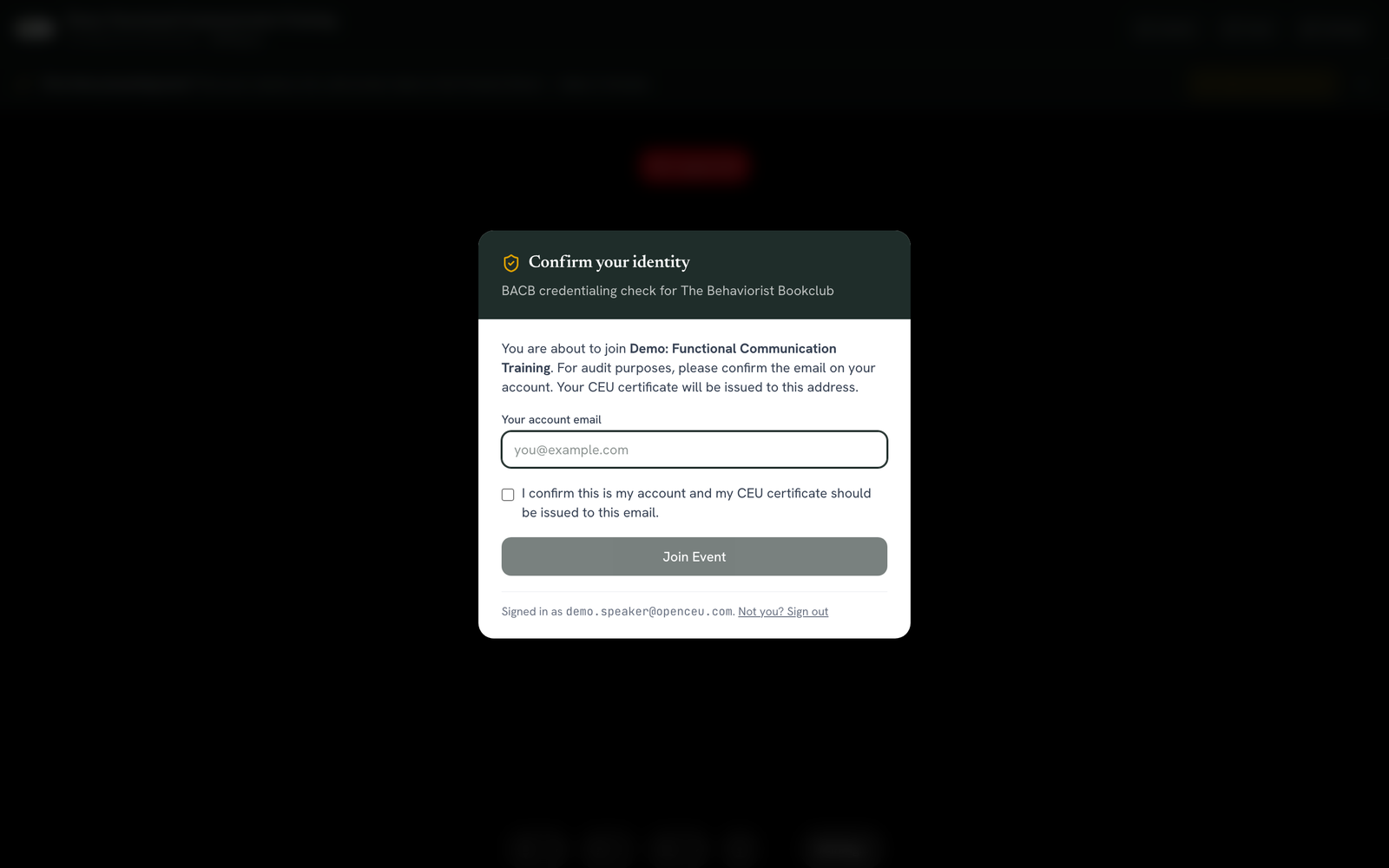
Confirm your identity
A screen asks you to confirm who you are. Type your account email again and check the box. Click Join Event. This check is required for CEU audit purposes.
Check your camera and mic
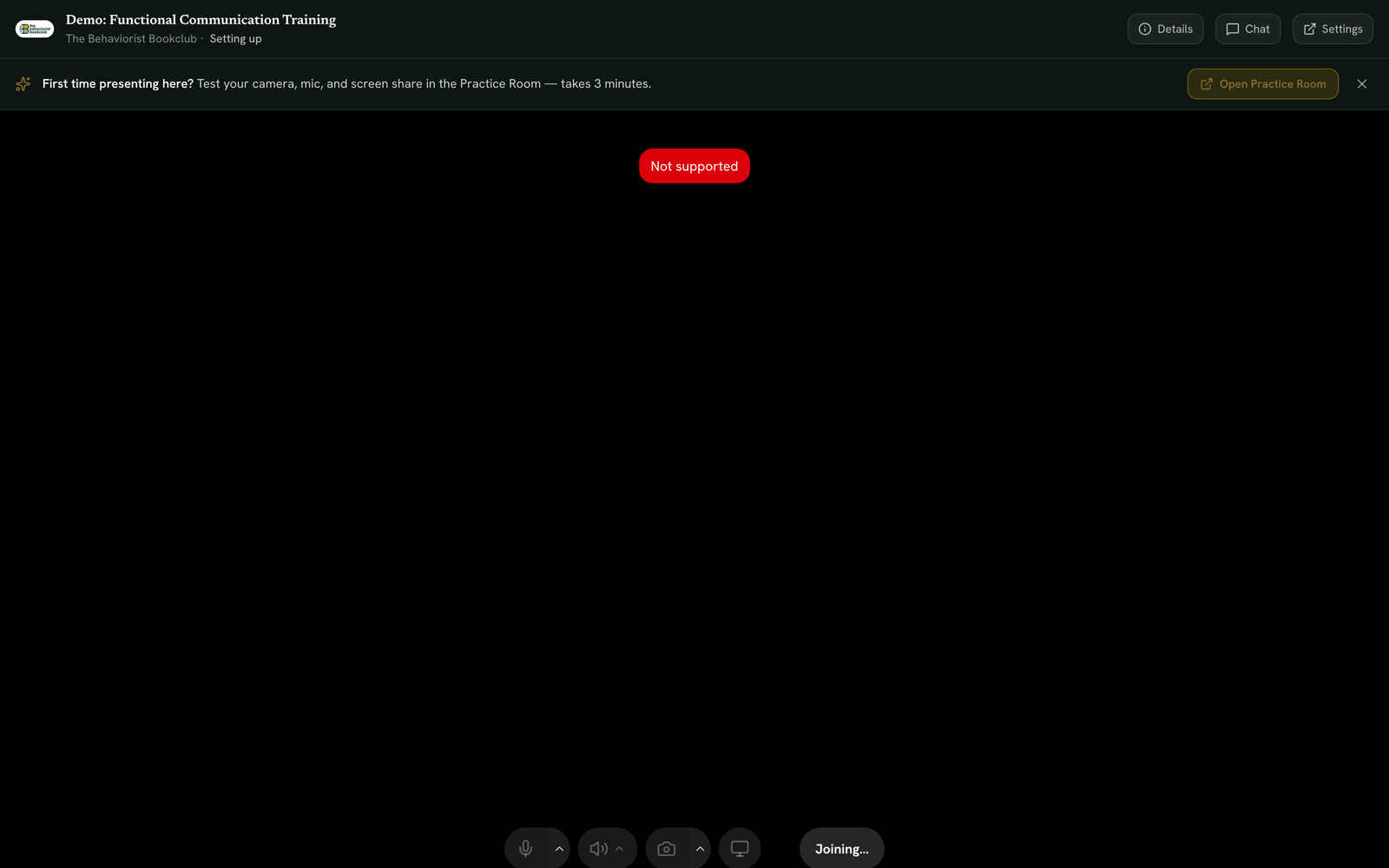
Your camera and mic turn on automatically once you are in. Use the bottom bar to test your mic. Watch the green level meter to confirm sound is picked up. Test your camera too. If you have more than one microphone or camera, pick the one you want from the small arrow next to each button.
Wait for your host to start
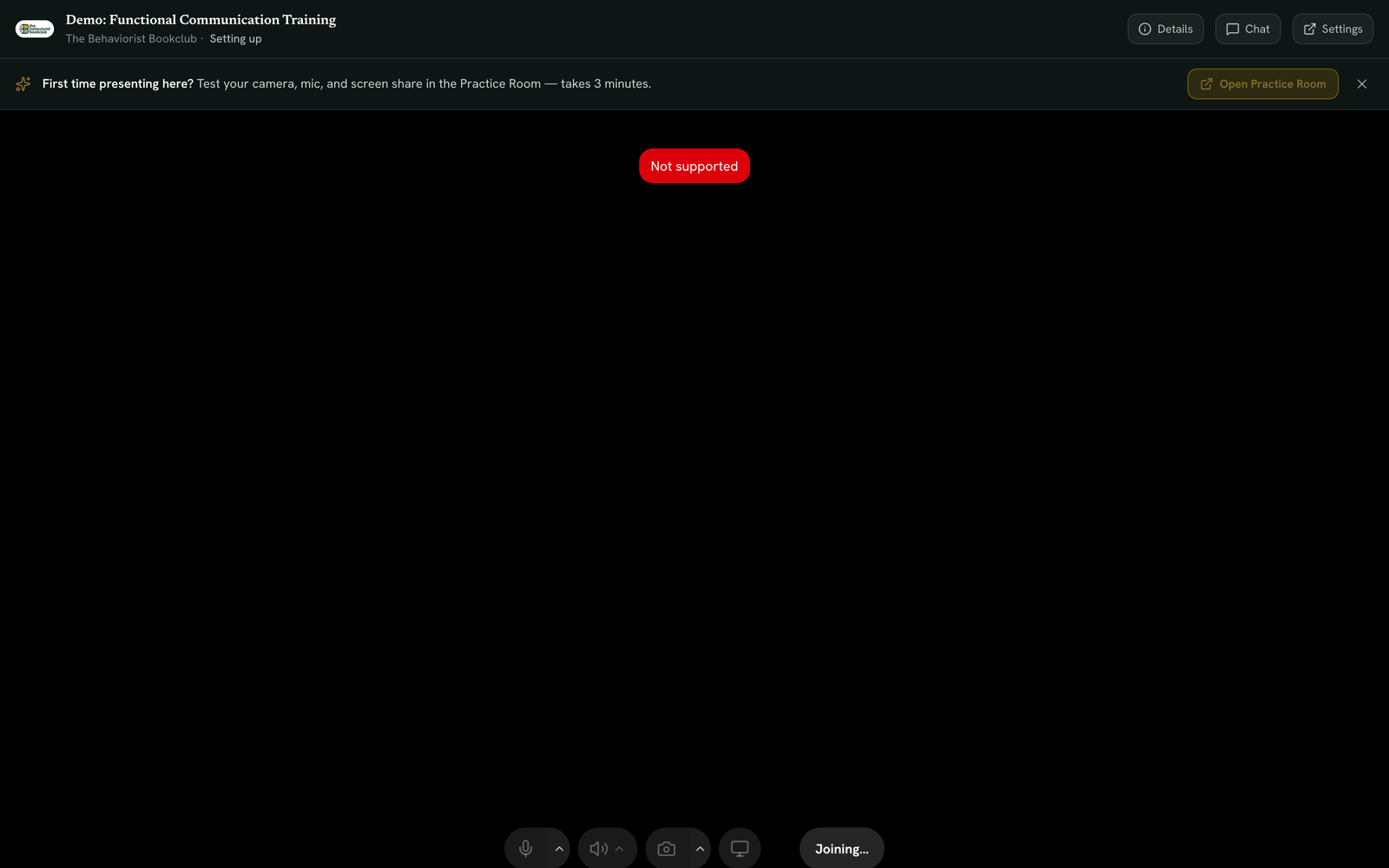
You do not click a "go live" button. Your host starts the event. Once they do, you go live automatically. No action needed on your end. A badge shows the host how many attendees are already waiting. You may see other speakers join too.
Test your setup ahead of time
Test your camera and mic before the event starts. See Test your camera and microphone on the Practice Room to check your setup beforehand.
Still stuck? Contact support and we'll help.