Join the green room
Your green room is where you check your camera and mic before you go live. Here is how to get in.
Open your green room link
You can reach the green room two ways. Go to your event's Live Settings page and click the green room link. Or open the link you copied earlier. Either way takes you to the same place.
Sign in if you need to
If you are not signed in yet, you create an account or log in first. Once you finish, you land right back in the green room. No extra steps needed.
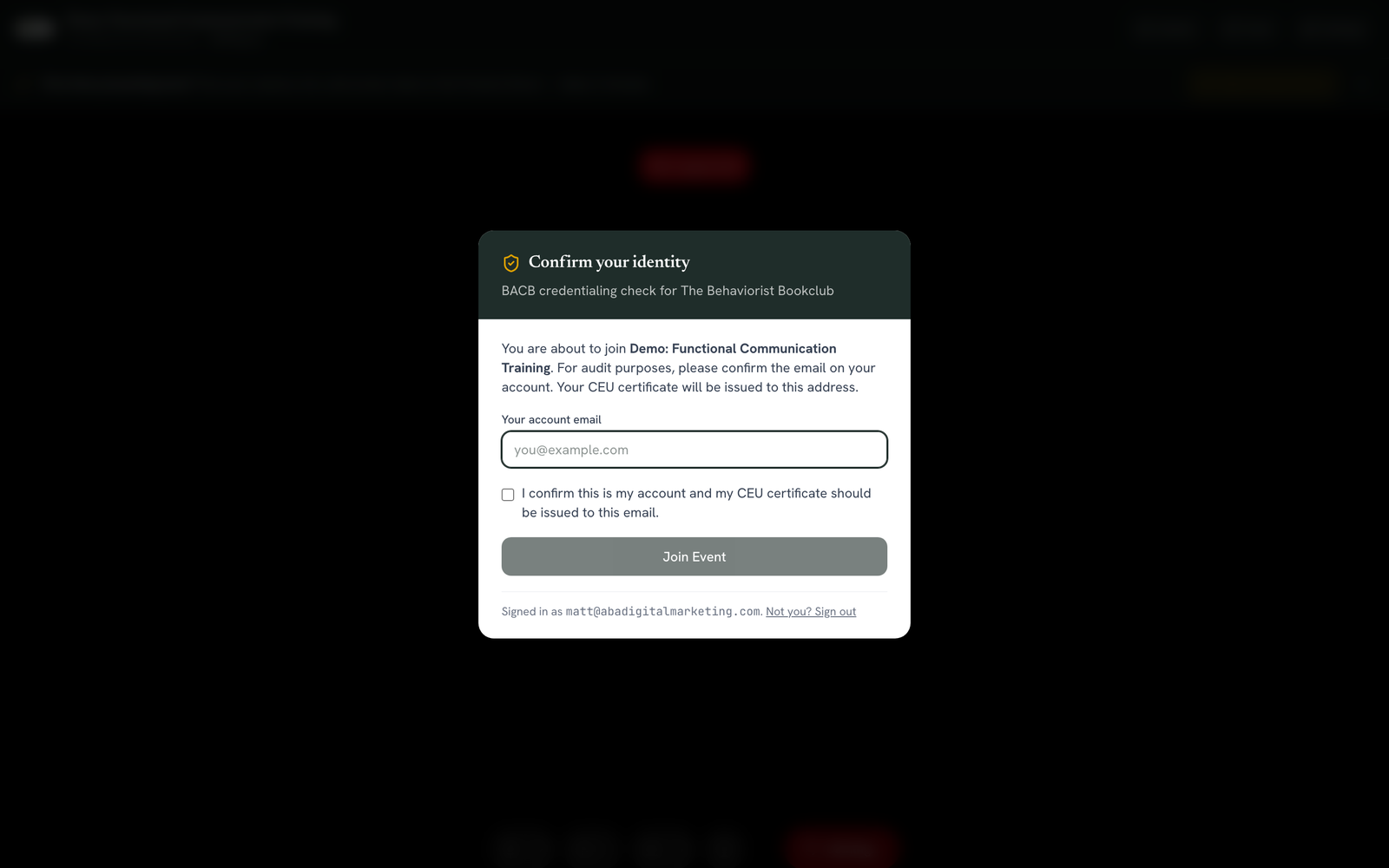
Confirm your identity
A screen asks you to confirm who you are. Type your account email again. Check the box that confirms your CEU certificate should go to that email. Click Join Event.
Why this step exists
Check your camera and mic
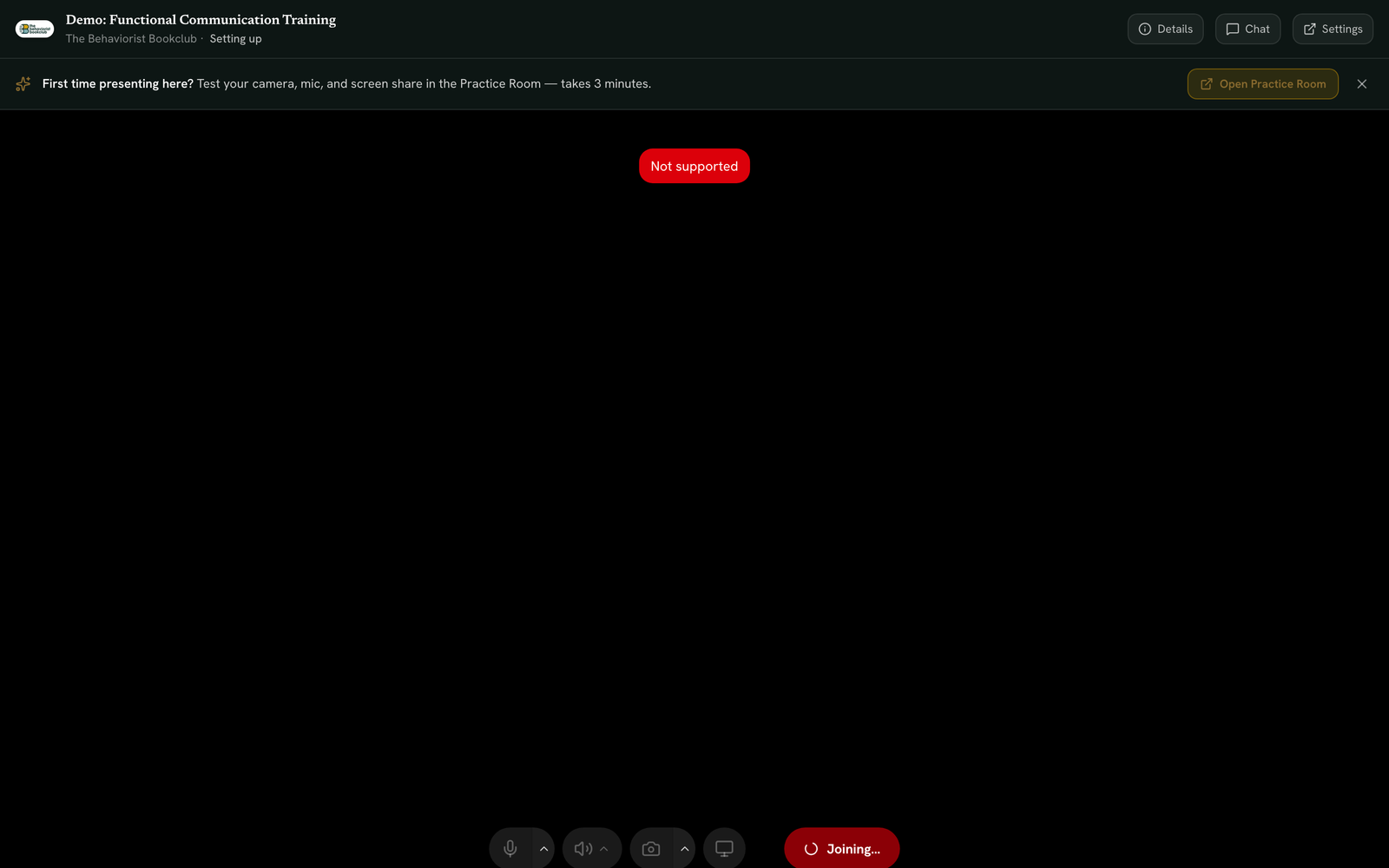
Once confirmed, you land in the green room. Your camera and mic turn on automatically. You see yourself in a small frame called the self tile. This happens before you go live, so you can check how you look and sound first.
Use the control bar at the bottom to test your mic. A green level meter shows sound is picked up. You can toggle your camera on or off too. Click the small arrow next to each button to pick a specific microphone, camera, or speaker.
See who is already waiting
A badge in the top left corner shows how many people are already in the waiting room. A small banner reminds you that viewers watch on a short delay.
Watch for co-speakers
If a co-speaker joins too, their video tile appears next to yours automatically. No action needed on your part.
Ready to go live?
Still stuck? Contact support and we'll help.