Add a speaker who has no account yet
A speaker does not need to belong to your organization or have hosted before. They only need an OpenCEU account under the exact email you approved.
Send them the presenter link
First, add their name and email under Approved Speakers and save. Then send them the presenter link.
OpenCEU also emails a newly added speaker a calendar invite with their green-room link. That email tells them which exact email to sign in with and links back to this page, so a speaker without an account knows to create one under that address.
They create an account with the invited email
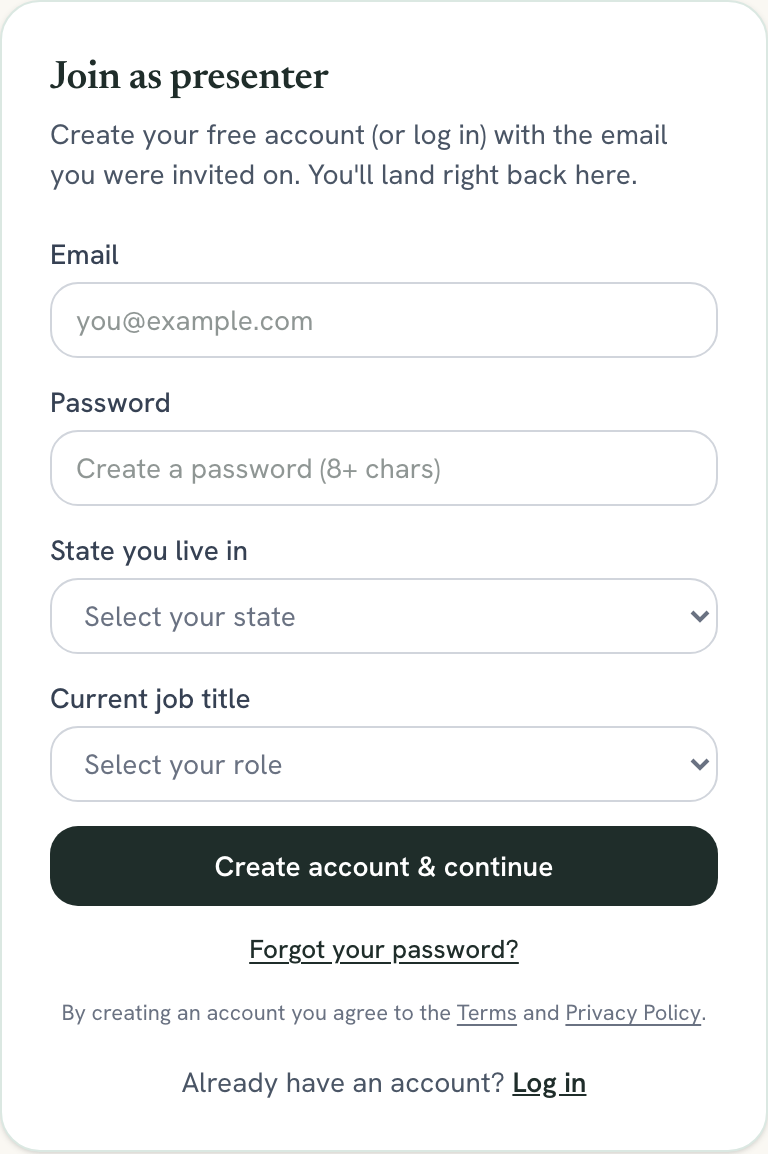
When they open the link signed out, they see a Join as presenter form right on the page. They type the exact email you approved, choose a password, pick their state and job title, and click Create account & continue. No separate signup page and no waiting.
The email must match exactly
They confirm their identity
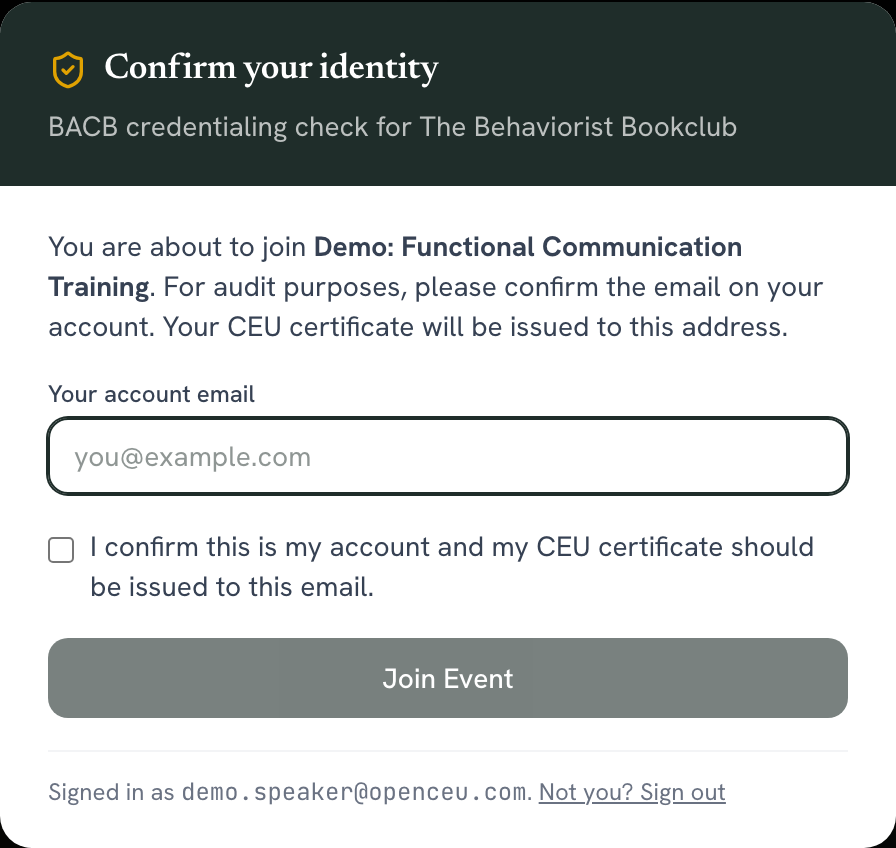
Next they see a Confirm your identity box. They type their account email again, check the confirmation box, and click Join Event.
They land in the green room
Because their email matches your approved speaker list, OpenCEU sends them straight to the green room. They do not see the attendee waiting room.
Still stuck? Contact support and we'll help.