How attendees get their certificates
Attendees earn a certificate by passing attendance or the quiz, then claim it themselves on the course page. Here is what happens, and what to check when someone says the claim button doesn't work.
Know what it takes to earn a certificate
When your event ends, OpenCEU checks each attendee's attendance codes. They do not need every code correct. By default they need at least 75% of the codes fired live during your event, rounded up. For an event with 4 codes, that's 3.
Watching a course on demand works differently. A course with codes embedded in the video requires all of them correct before the quiz unlocks, a stricter bar than the live 75%. A quiz-only course with no video skips codes and goes straight to the quiz.
Passing does not create the certificate by itself. OpenCEU never issues or emails a certificate on its own. The attendee has to claim it.
Know how they claim it
Once they have passed, they sign in with the account they attended with and open the course page. The claim form sits at the top of the page.
They pick which certificate to claim from whatever your event offers (BACB, QABA, IBAO, or a general attendee certificate for anyone without one of those credentials), then type their full name and credential number. OpenCEU does not pull these from a saved profile. They type it fresh every time, so an out-of-date profile can never hold up a certificate.
For a live event, the form also asks for a star rating and whether they'd recommend the course to other professionals in their field before it lets them submit. A comment is optional. It takes about twenty seconds. Someone claiming from a recording quiz already answered these to see their quiz result, so the form does not ask again.
Once they submit, the certificate is issued right away and emailed to them.
The certificate type locks once claimed
Know there's no deadline to claim
The BACB's 45-day rule is a deadline for OpenCEU. OpenCEU has to make a certificate available within 45 days of the event. Because a certificate is claimable from the moment the event ends, that requirement is already met. The attendee can claim any time after that, even months later.
OpenCEU emails the attendee when their certificate is ready to claim, and sends reminders if they still haven't claimed it. A banner and a badge in their account keep the offer open with no cutoff.
Never tell an attendee they've missed a window
Tell them to check they're signed into the right account
This is the most common reason a certificate seems missing, and it is worth checking before you check attendance codes. The claim form only appears for the account that attended. Someone who opens the link signed out, or signed in with a different email than the one they registered or attended with, will not see it.
Tell them: sign in with the same account you attended with, open the course page, and the claim form will be at the top.
A signed-out visitor sees a dead-looking card
Check if someone claimed their certificate
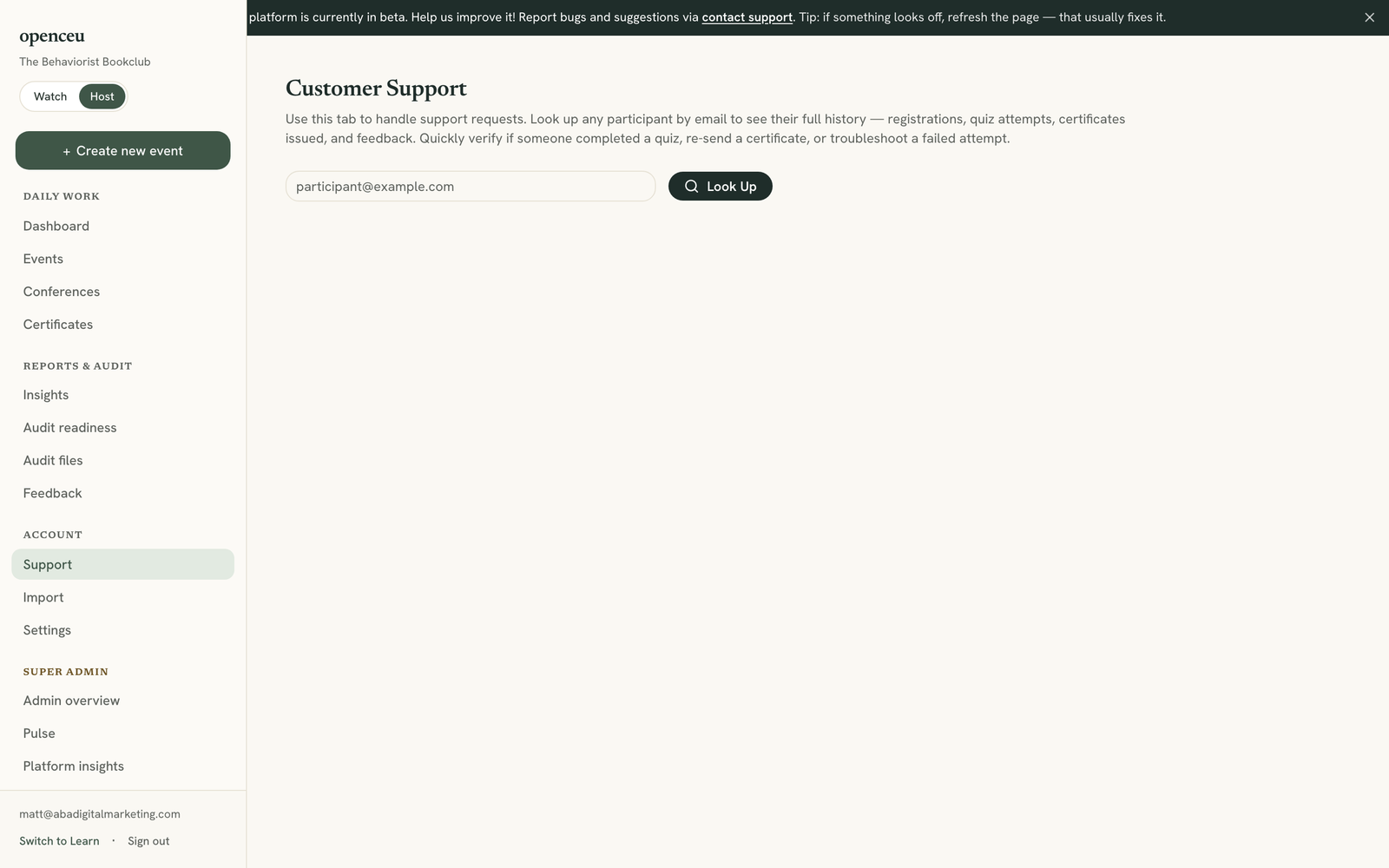
In your side menu, under Account, click Support. Type their email and click Look Up. If a certificate exists, it shows in their timeline. See Look up an attendee for the full walkthrough.
Offer a make-up if they missed the pass bar
If they did not clear the pass bar, turn on the make-up quiz for your event. See Offer a make-up quiz. They get an email with a new link to earn credit from the recording.
See their ratings and comments
Every rating and comment lands on your Feedback page, along with the share of attendees who said they'd recommend the course. See Review attendee feedback for the full walkthrough, including the CSV export.
Ratings and recent comments also show up publicly on your course page, first name and last initial only. An email address never appears there.
Still stuck? Contact support and we'll help.