Review attendee feedback
Read what attendees thought about your events, star ratings and written comments included.
Open Feedback
In your side menu, under Reports & audit, click Feedback. You will see your average rating across every event, alongside your % would recommend — the share of attendees who said they'd recommend the course to other professionals in their field.
Learners now leave a star rating and answer the would-recommend question before their certificate is revealed, so both stats fill in as soon as people finish a course.
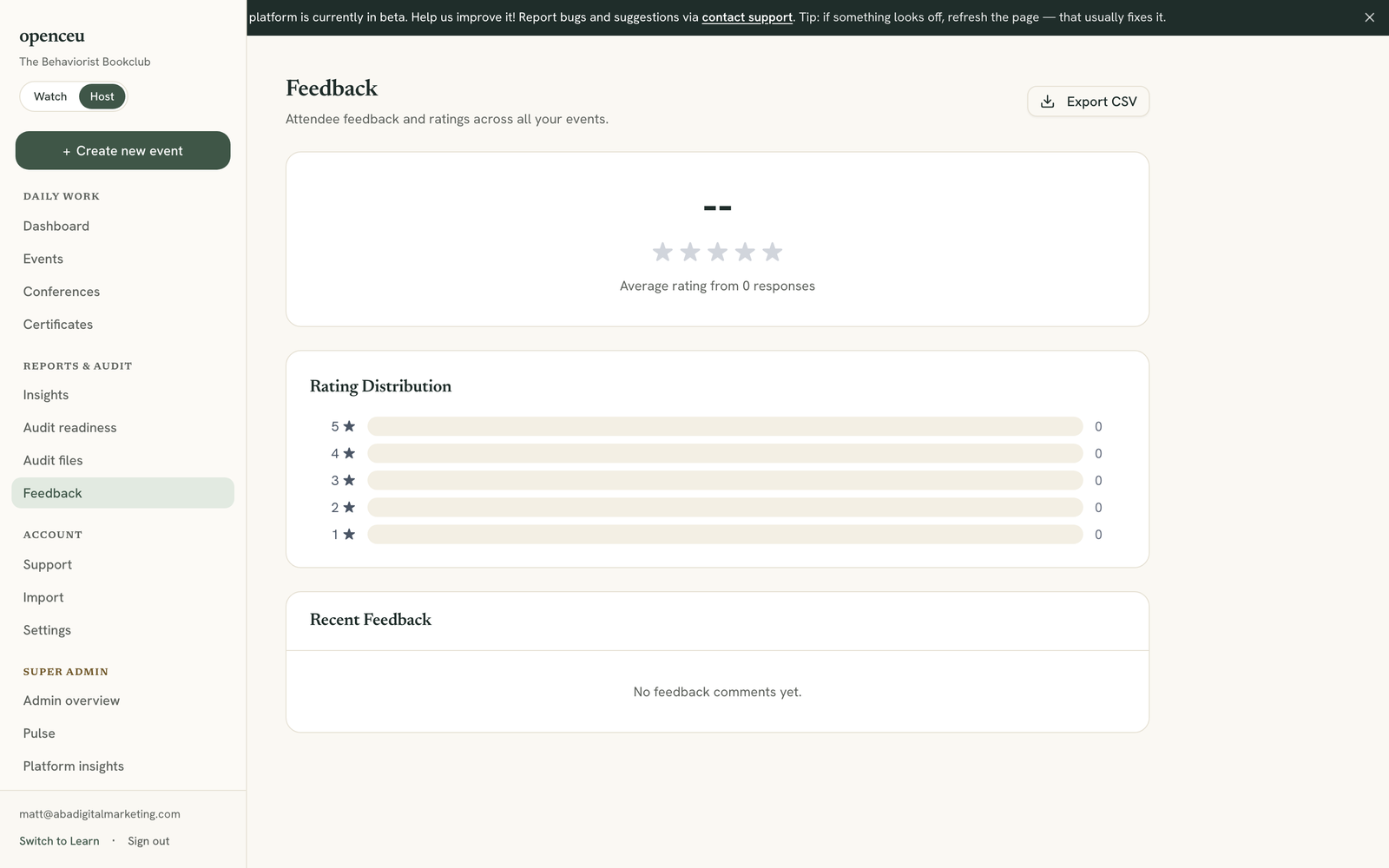
Check ratings by event
The Ratings by Event list shows each event's average star rating and how many people rated it. Your highest-rated events show first.
See requested topics and comments
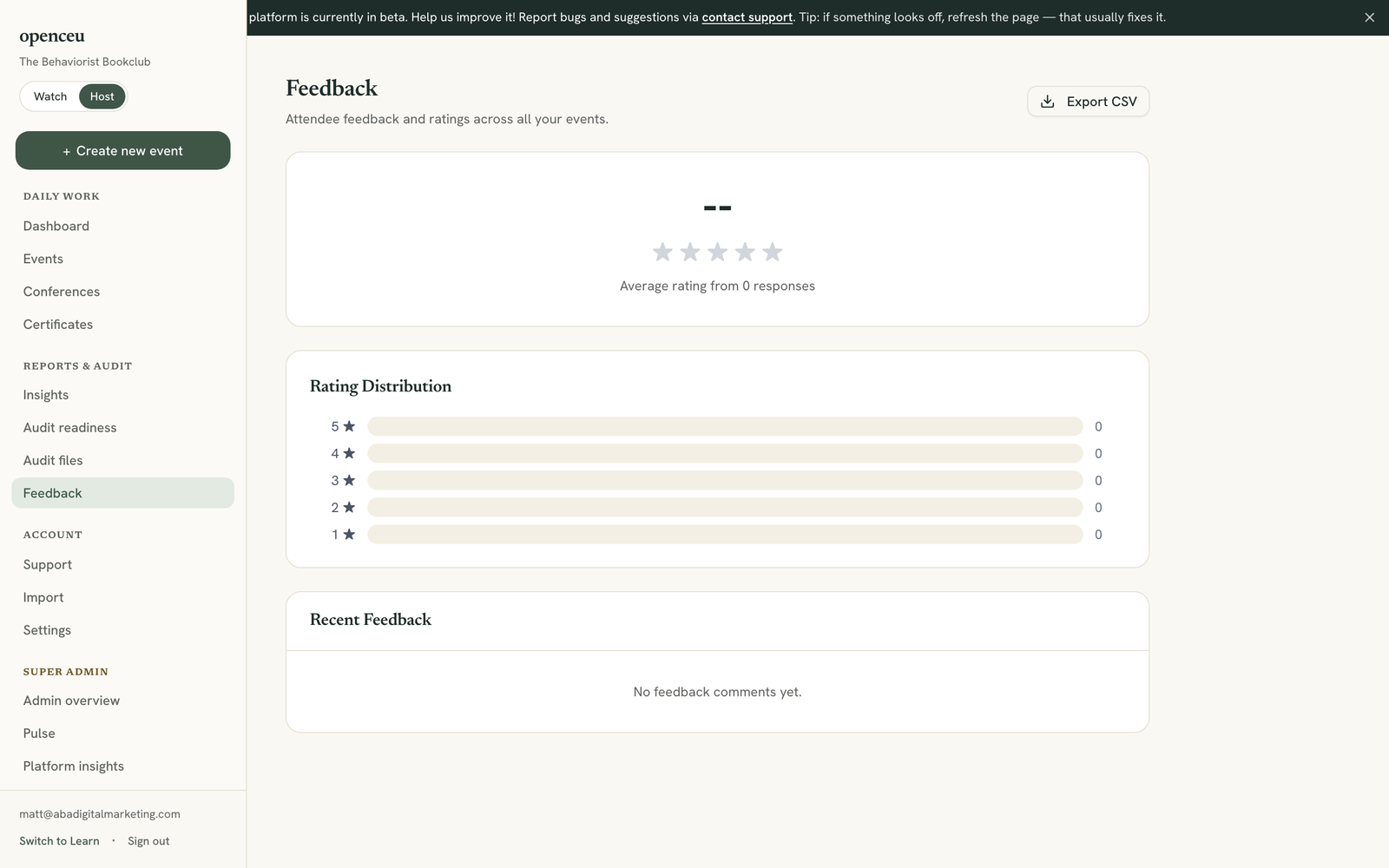
Scroll down to see Top Requested Topics, what attendees typed when asked what they want next, and Recent Feedback, their written comments. Any comment with a would-recommend answer shows a small “Would recommend: Yes/No” marker next to it.
Export everything
Click Export CSV near the top of the page to download every piece of feedback, including the would-recommend answer, as a spreadsheet.
What learners see on your course page
Your public course page shows the average star rating, % would recommend, and a handful of recent comments — first name and last initial only, never an email address. A rating only needs a few responses before it shows up publicly, so a brand-new course won't display a rating from a single response.
You always see every piece of feedback here on this page, regardless of what's shown publicly. If a specific piece of feedback shouldn't appear on your public course page, ask support — a super-admin can hide it from public display without removing it from your Feedback page.
Still stuck? Contact support and we'll help.