Some attendees come to your event live but fall short of the pass bar. A make-up quiz gives them a second chance to earn credit.
1
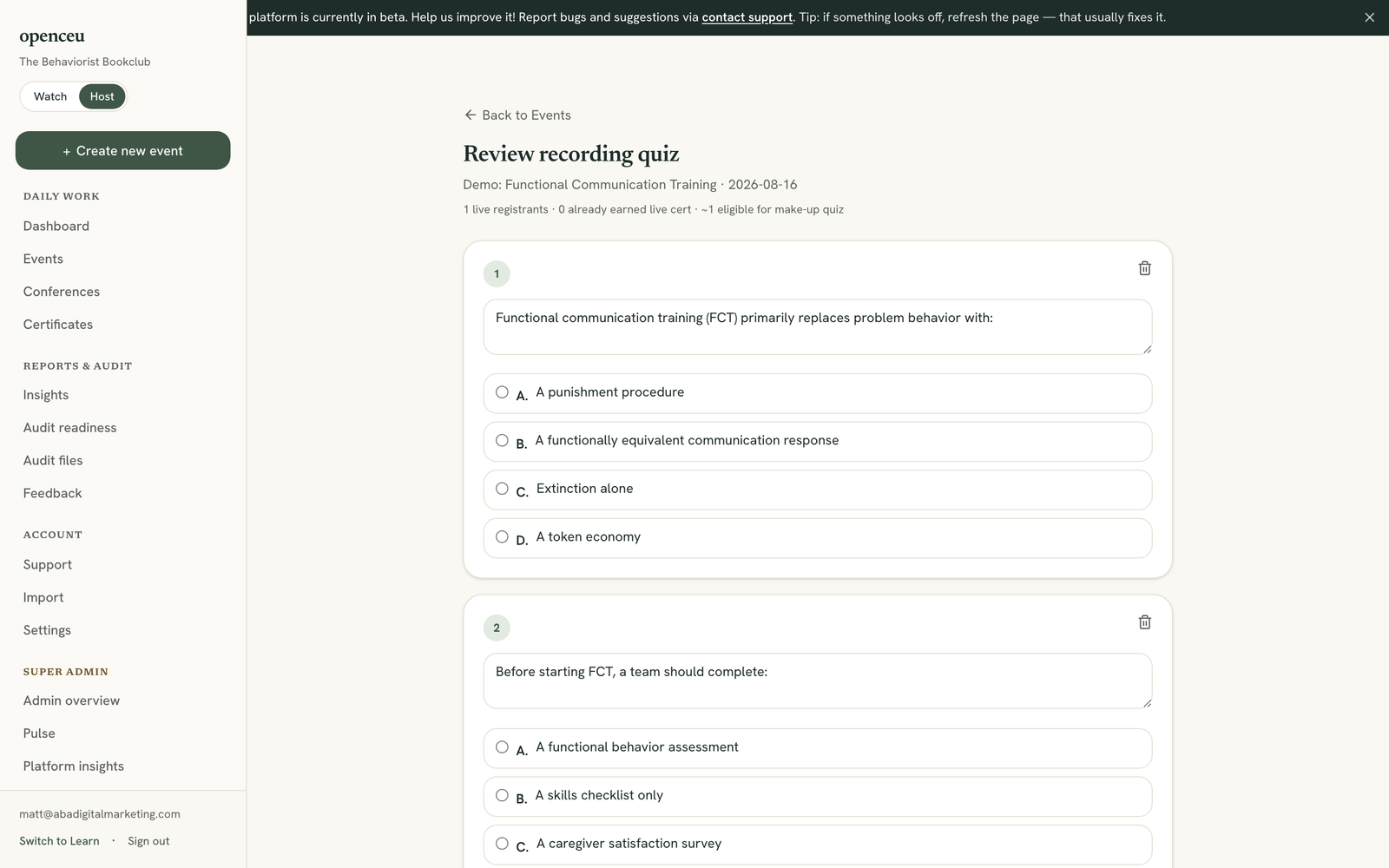
Open your event's recording review page
Go to your Recordings page and click your event to open its review screen.
Open this from your Recordings page.
2
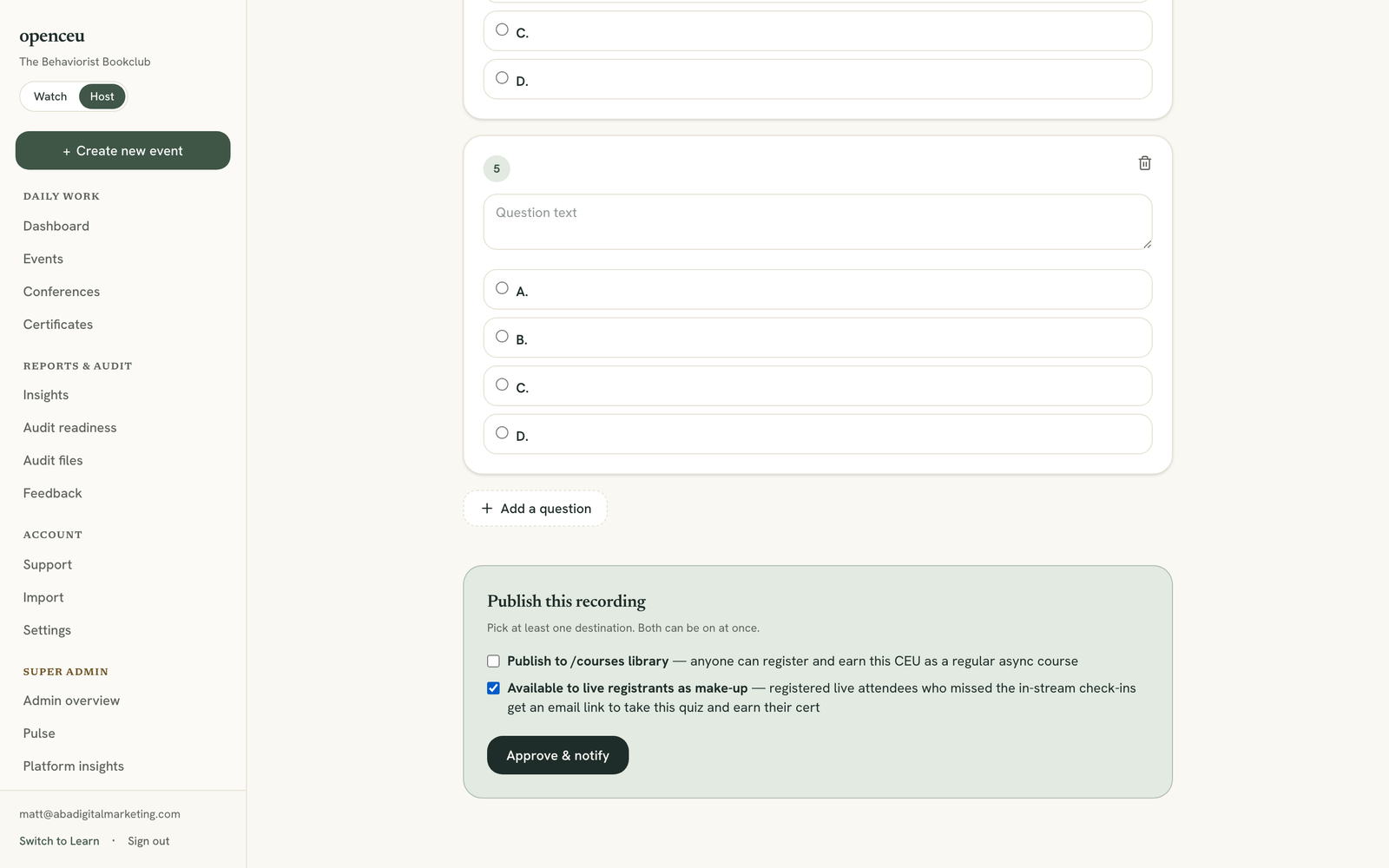
Turn on the make-up checkbox
In Publish this recording, check the box labeled Available to live registrants as make-up.
Who this reaches
The make-up quiz is only for registered live attendees who fell short of the pass bar. Someone who never registered does not get this email. Watching the recording resets the bar to 100%: the attendee needs every code in the recording correct to unlock its quiz.
Registered live attendees who fell short of the pass bar become eligible.
3
Click Approve & notify
Click Approve & notify. OpenCEU emails eligible attendees a link to the recording and the quiz right away.
You can also publish to the library
You can check both boxes at once. See Publish your recording if you also want it in the course library.