Find issued certificates
Look up any certificate OpenCEU has issued across all your events, no matter how it was earned.
Open Certificates
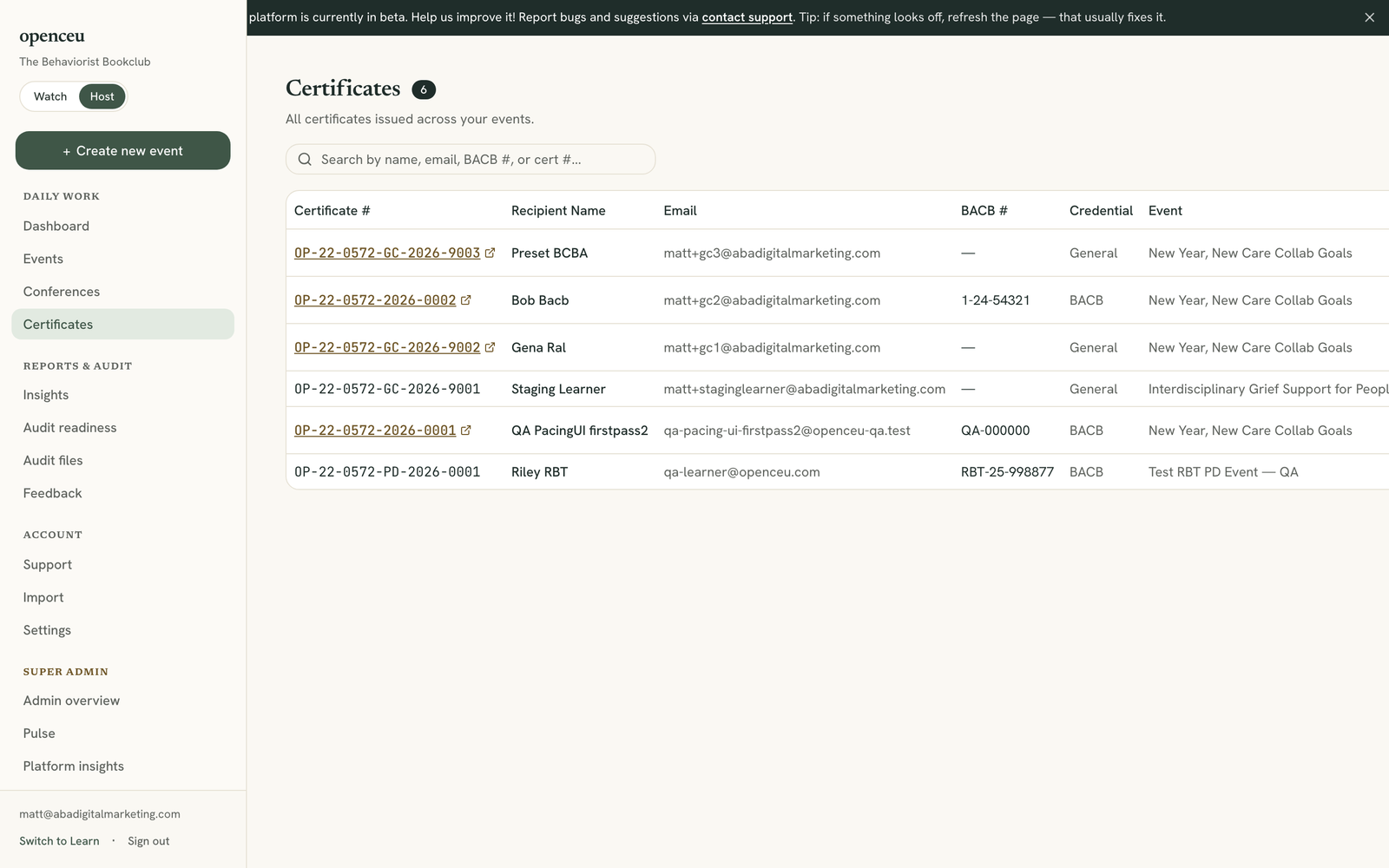
In your side menu, under Daily work, click Certificates. You will see every certificate OpenCEU has issued for your organization.
Search for a certificate
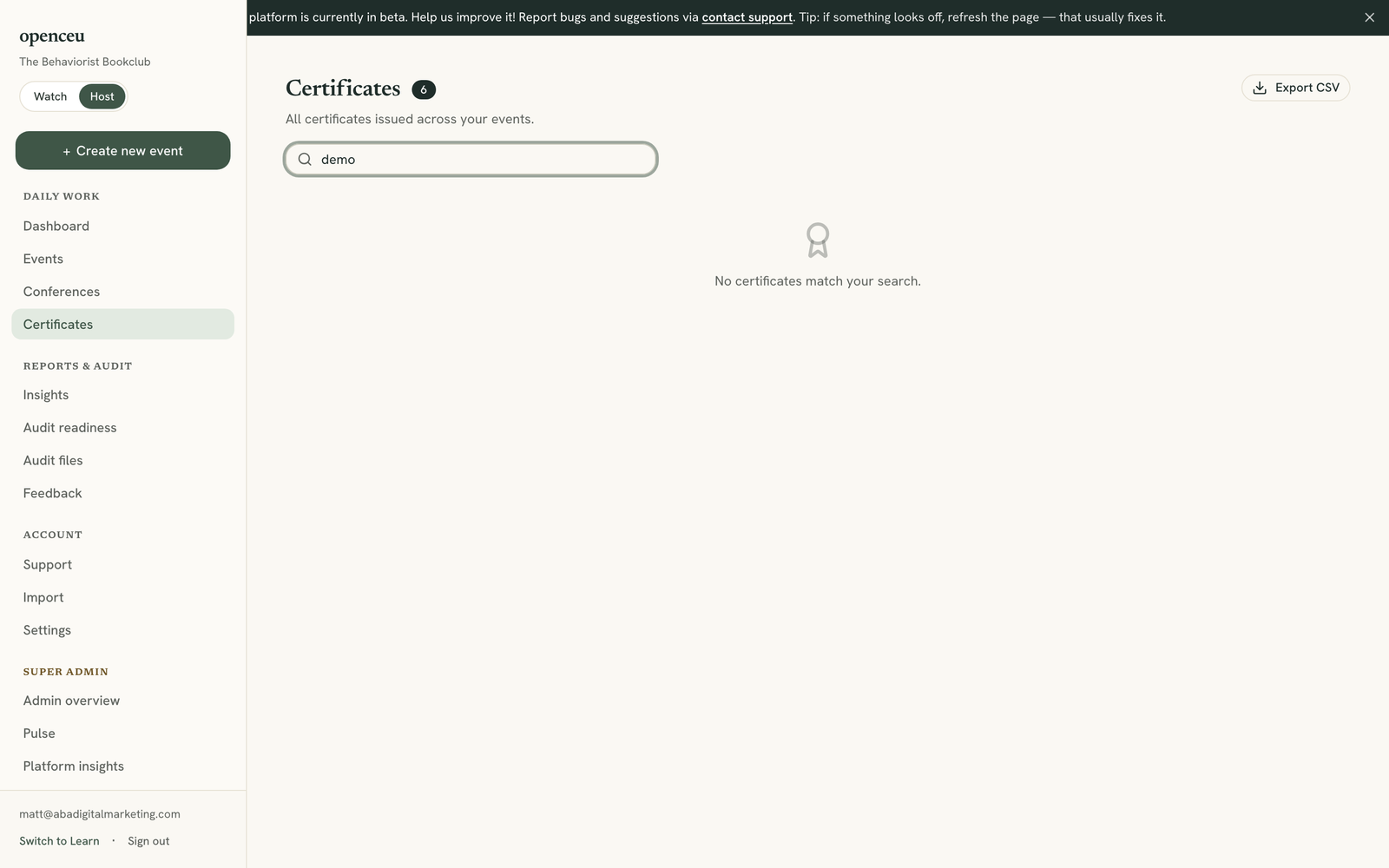
Type a name, email, BACB number, or certificate number into the search box to filter the list.
Open or download the PDF
Click a certificate number to open the PDF in a new tab. Click the download icon next to a row to save it to your computer.
No resend button yet
Export the whole list
Click Export CSV near the top of the page to download every certificate as a spreadsheet.
Teaching CEU letters for your presenters
Presenters (BCBAs, and BCaBAs where eligible) can claim Teaching CEUs for a CE event they presented, from their own speaker hub. They confirm from a link emailed to the speaker address you entered on the event, and the letter prints the speaker name you entered. Each letter follows the BACB’s Teaching Letter Template, on your letterhead, signed with your ACE Coordinator signature. On an event’s Certificates tab, the Teaching CEU letters card lists who claimed, their minutes and CEUs, and a download link, and your ACE Coordinator email gets a copy of each one. Presenters can claim only after your ACE provider number, coordinator name, coordinator email and signature are all filled in under Settings, and only for a finished, published event. RBT PD events don’t earn Teaching CEUs. Courses with no speaker list qualify only when the listed instructor is your own ACE Coordinator; otherwise add the presenter as a speaker.
Still stuck? Contact support and we'll help.