Two links matter for a live event: the viewer page everyone watches from, and your branded landing page, if you built one.
1
Copy your viewer page link
Once hosting is turned on, open Live settings and copy the Viewer page link under Event Links. This is the link registrants use to watch.
2
Copy your landing page link, if you built one
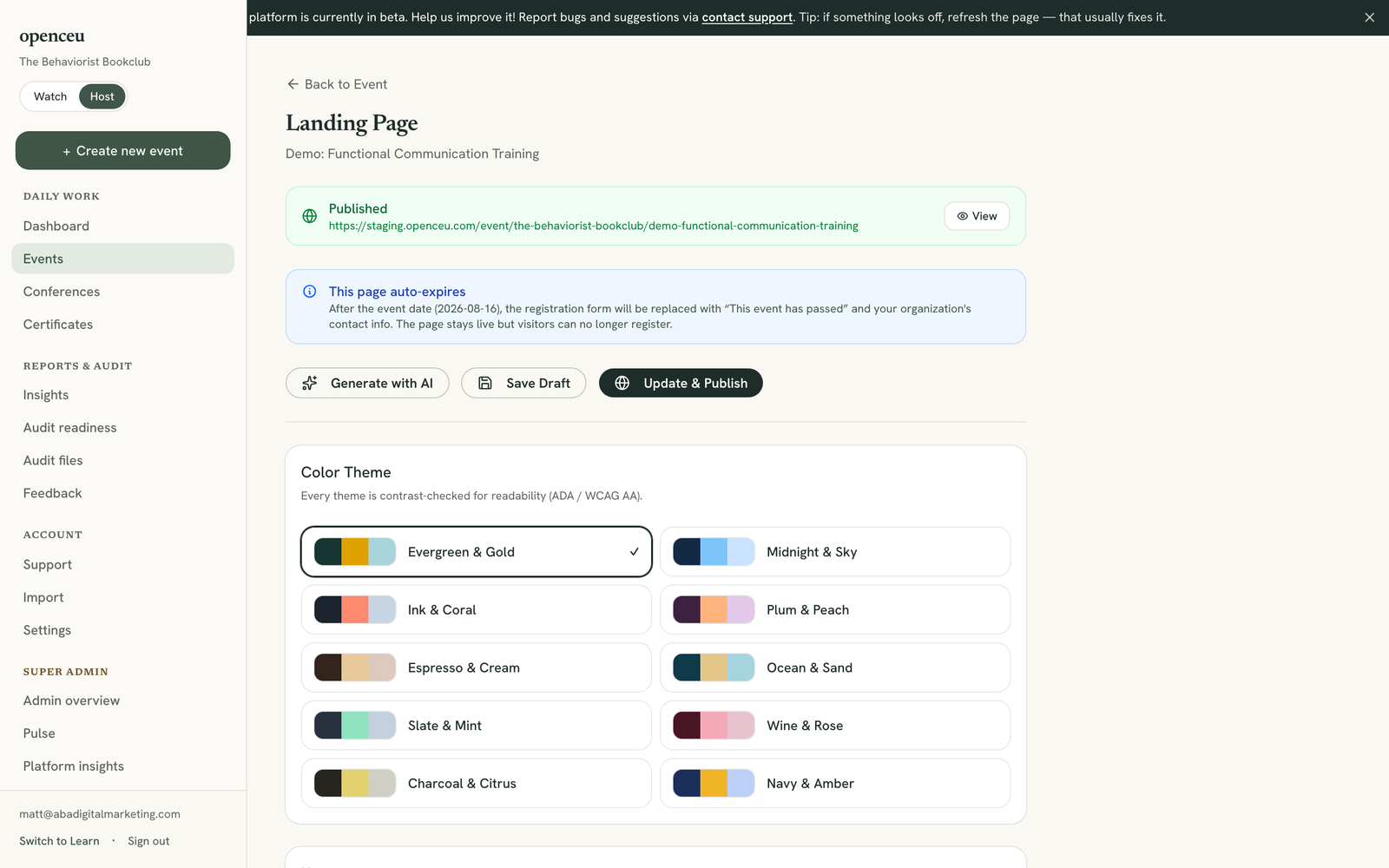
If you built and published a landing page, open it and copy the URL shown at the top of the editor. This is a branded page with your theme, description, and speaker info, with the registration form built in.
A published landing page shows its URL right at the top.
3
Post the link
Share either link anywhere your audience is: a Facebook group, a newsletter, or your own website. Both take registrants straight to registration.
Use the landing page when you have one
It carries your branding and speaker bio, so it usually converts better than the plain viewer link.
Your course page works before the event too
Every event also has a public course page at openceu.com/courses/your-event-name, shown as Course page on the event’s detail screen. It used to send visitors to the viewer page until the event happened; now it stays up the whole way through — it shows the date, time, speaker, and what attendees will learn beforehand, a “join now” button while you are live, and the recording once you publish it. It is the same link before and after, so it is the safest one to put in anything permanent (your website, a press mention, a partner’s newsletter), and it is the page search engines index.