Promote your course
OpenCEU can write SEO content and social posts for you from your course details. Generate a draft, edit it, and publish what you like.
Publish your course first
Promotion tools work best once your course is live. See Publish your course if you have not done that yet.
Open the SEO tab and generate content
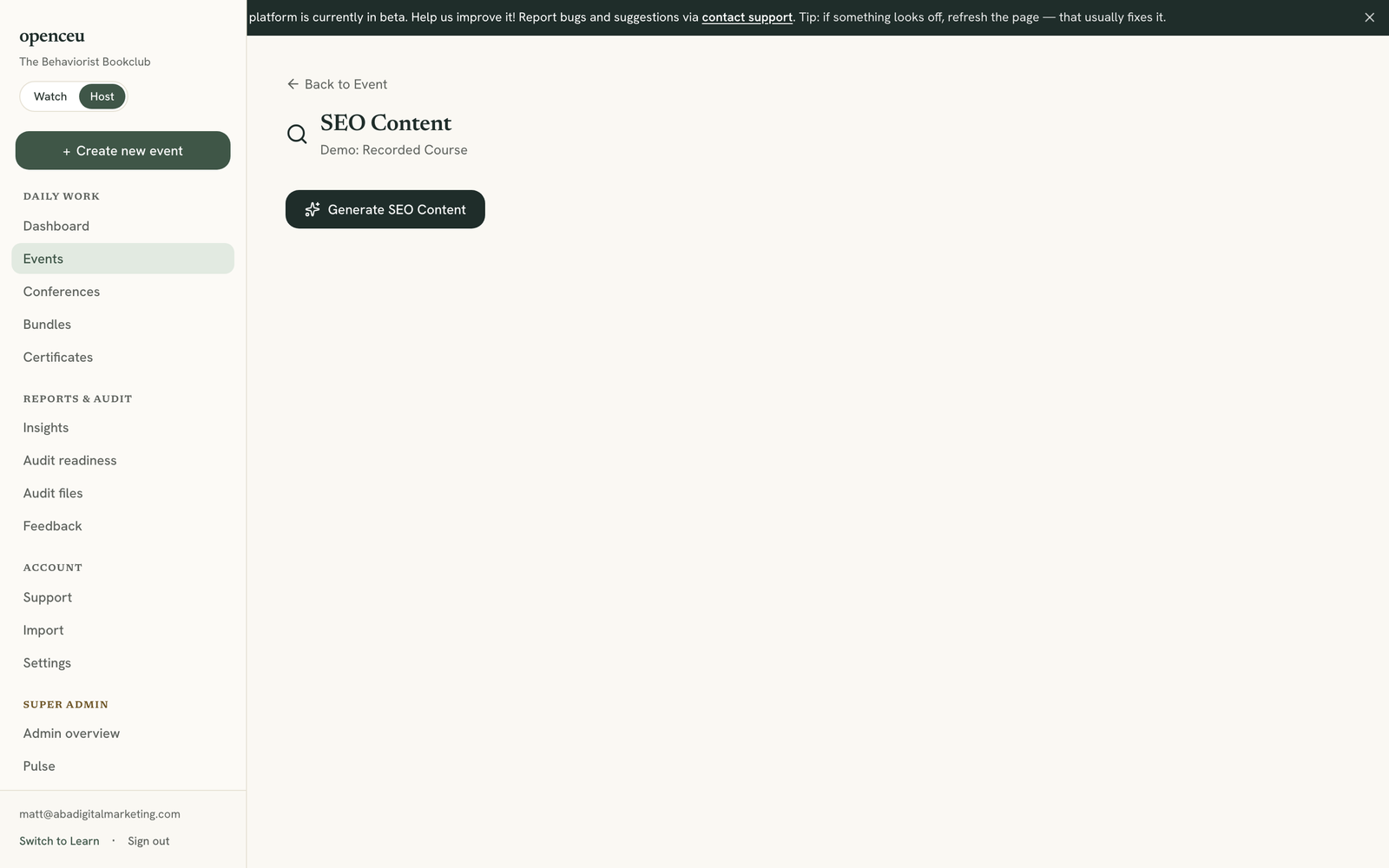
On your event page, open the SEO tab and click Generate. OpenCEU drafts four pieces of content from your title, description, and transcript:
- Key takeaways
- A study guide
- Glossary terms
- An FAQ
Generating takes about 30 to 60 seconds.
Review and publish each piece
Each generated piece has its own publish toggle. Read through the draft, then turn on publish for the pieces you want to appear on your course’s public page.
Open the Social tab and generate posts
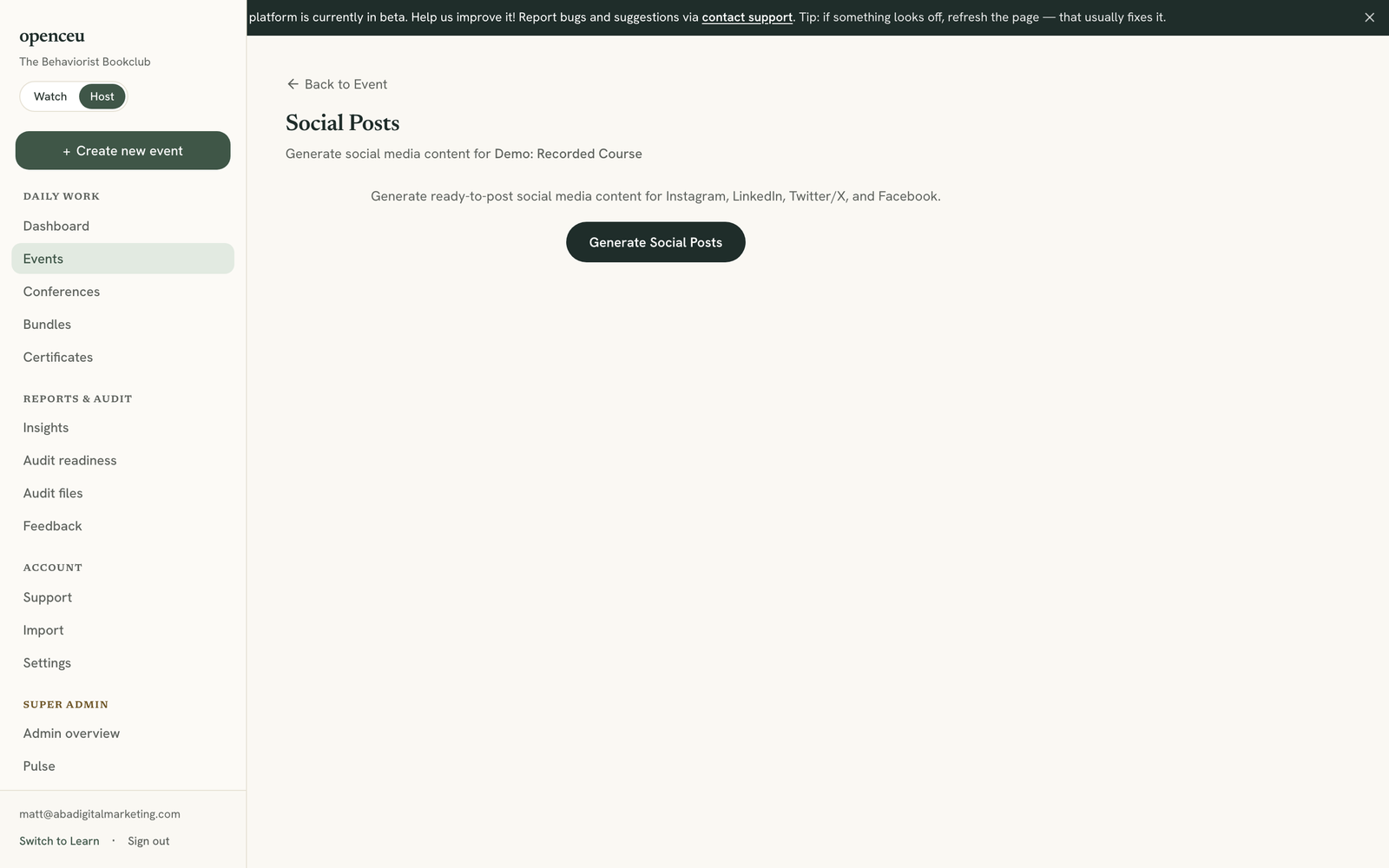
Open the Social tab and click Generate. OpenCEU writes one post for each of four platforms:
- Twitter / X
Each post is written for that platform’s tone and length. Edit the text in place if you want to change anything.
Copy and share
Click Copy on any post to paste it into that platform. Regenerate a post if you want a different version.
Share your course landing link
Still stuck? Contact support and we'll help.