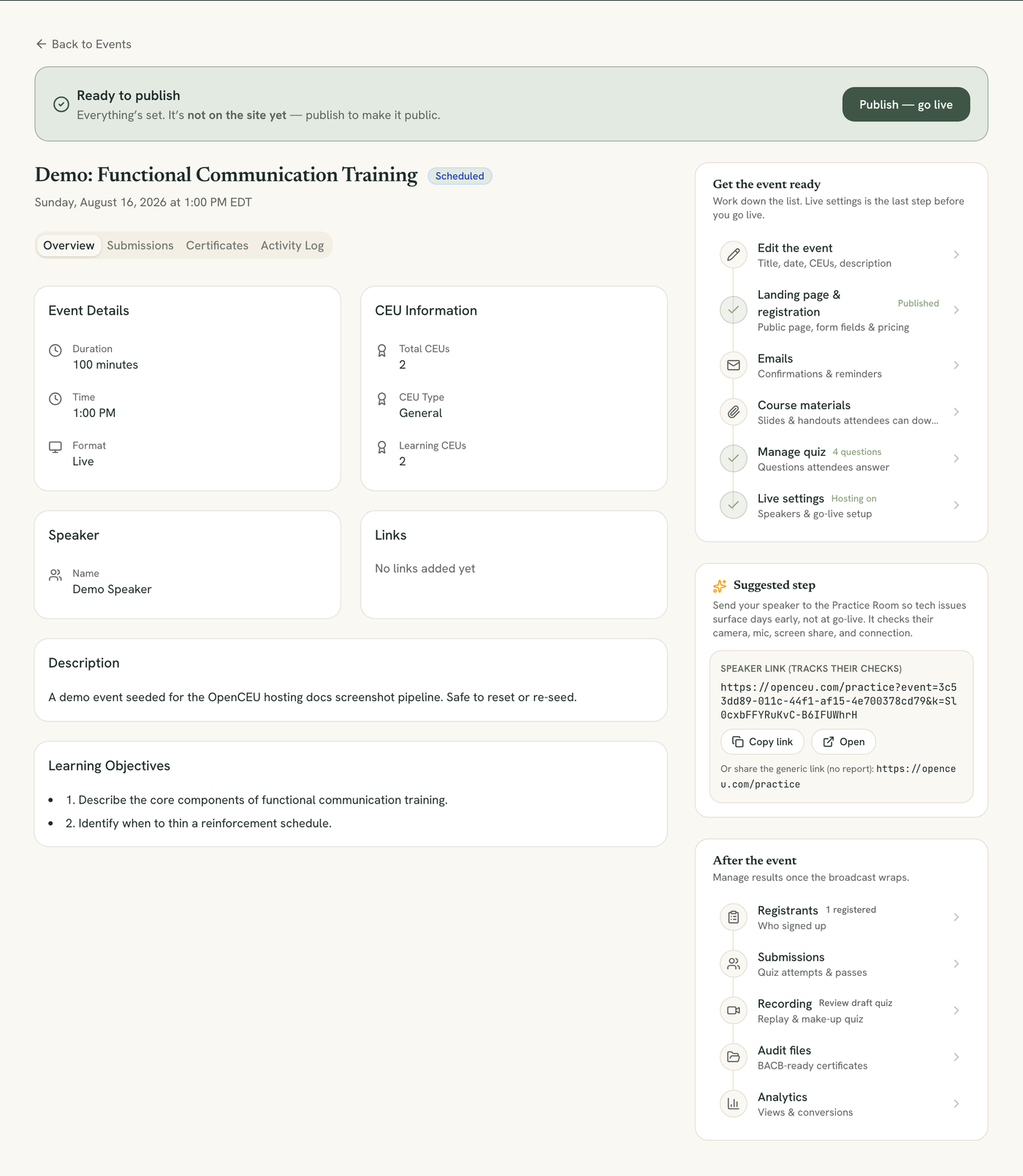
Send this a few days before you go live. Tech issues, permissions, blocked networks, show up here instead of on air.
1
Find the Suggested step card
Open your event. In the sidebar, find the card titled Suggested step. It shows a link labeled Speaker link (tracks their checks).
It sits in the sidebar of your event page.
2
Copy and send the link
Click the copy button next to the link, then send it to your speaker by email or message. This link is tied to your event, so their results report back to you.
Generic link also available
A plain, untracked link to the Practice Room is shown below it, in case you just want to point someone at it without tracking.
3
Review their tech-check report
After your speaker runs the checks, a Speaker tech checks card appears in your sidebar. It shows their name, how many checks passed, and which ones failed, if any.