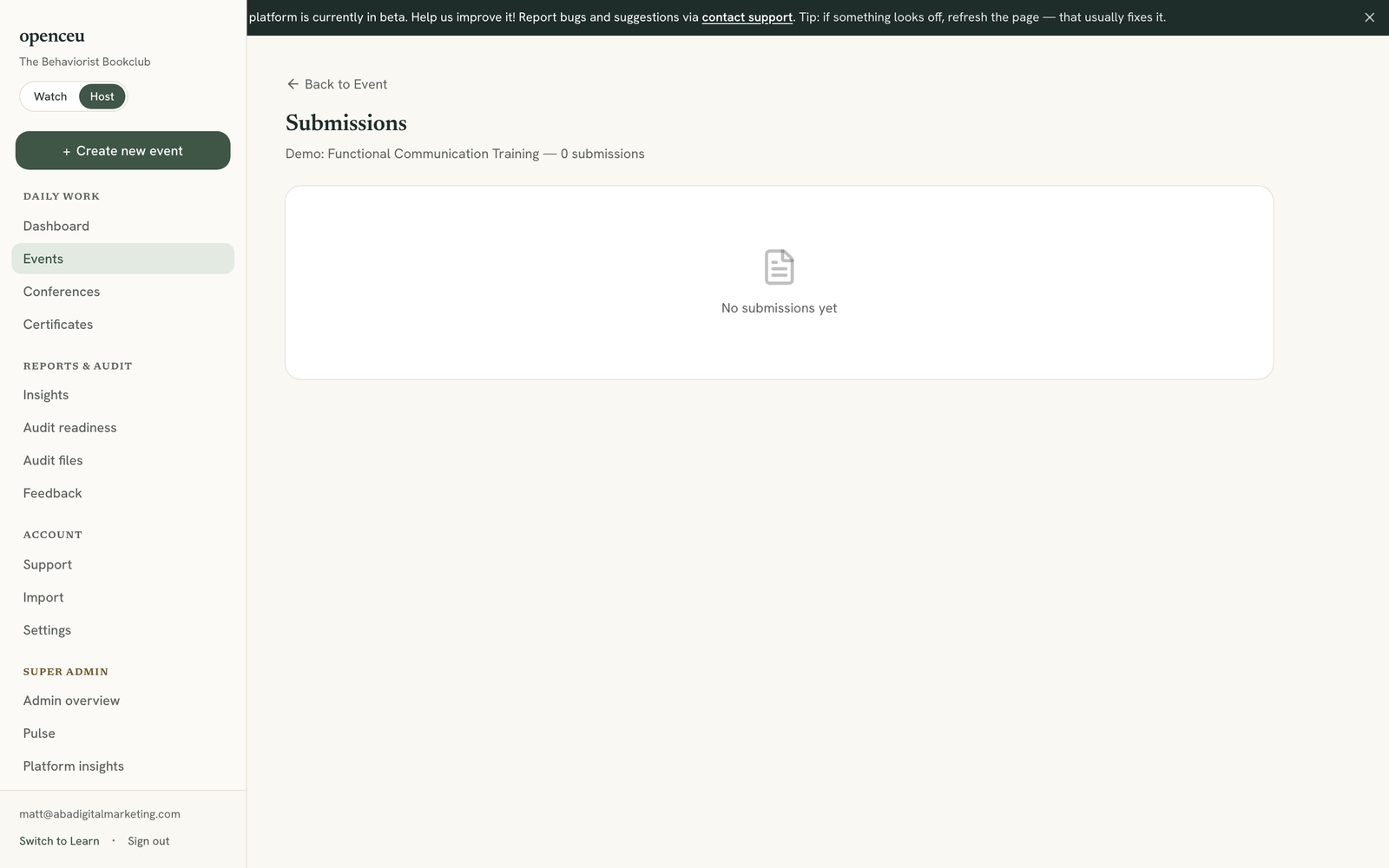
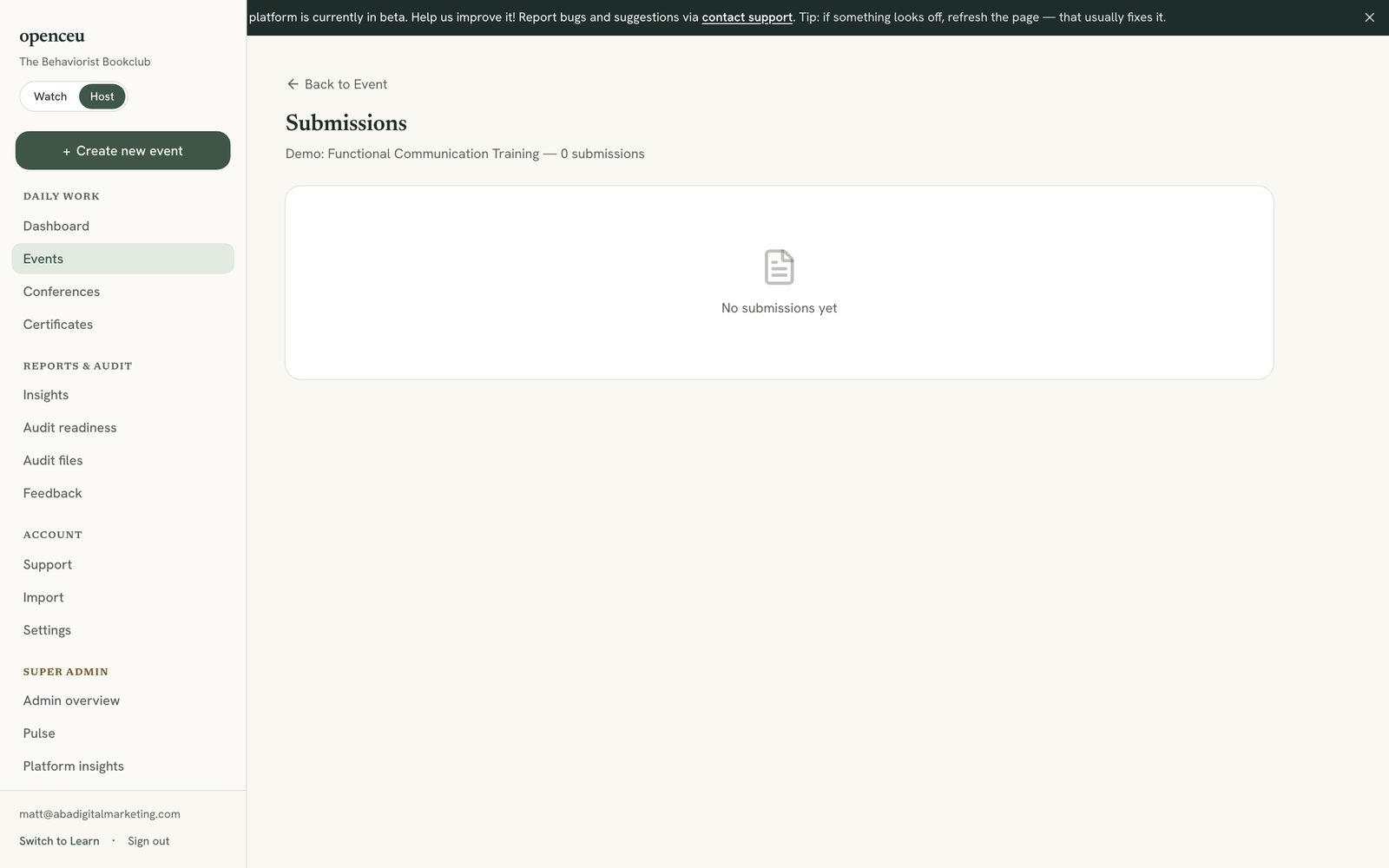
See every quiz attempt for one event, with scores and pass or fail results.
1
Open Submissions for your event
Go to your event and click Submissions in its checklist.
The page header shows how many people passed.
2
Read the results table
Each row shows a name, email, BACB number, score, and whether they passed. A green badge means they passed. The Source column shows whether they took the quiz directly, through an embed, or through Zoom.
3
Open a certificate or audit record
If someone passed, click Cert to see their certificate PDF, or click Audit record to see the full proof OpenCEU keeps for that certificate.
The audit record is the proof OpenCEU keeps for a BACB audit.