Download audit files
Download the paperwork you need for a BACB audit, either for one event or your whole organization at once.
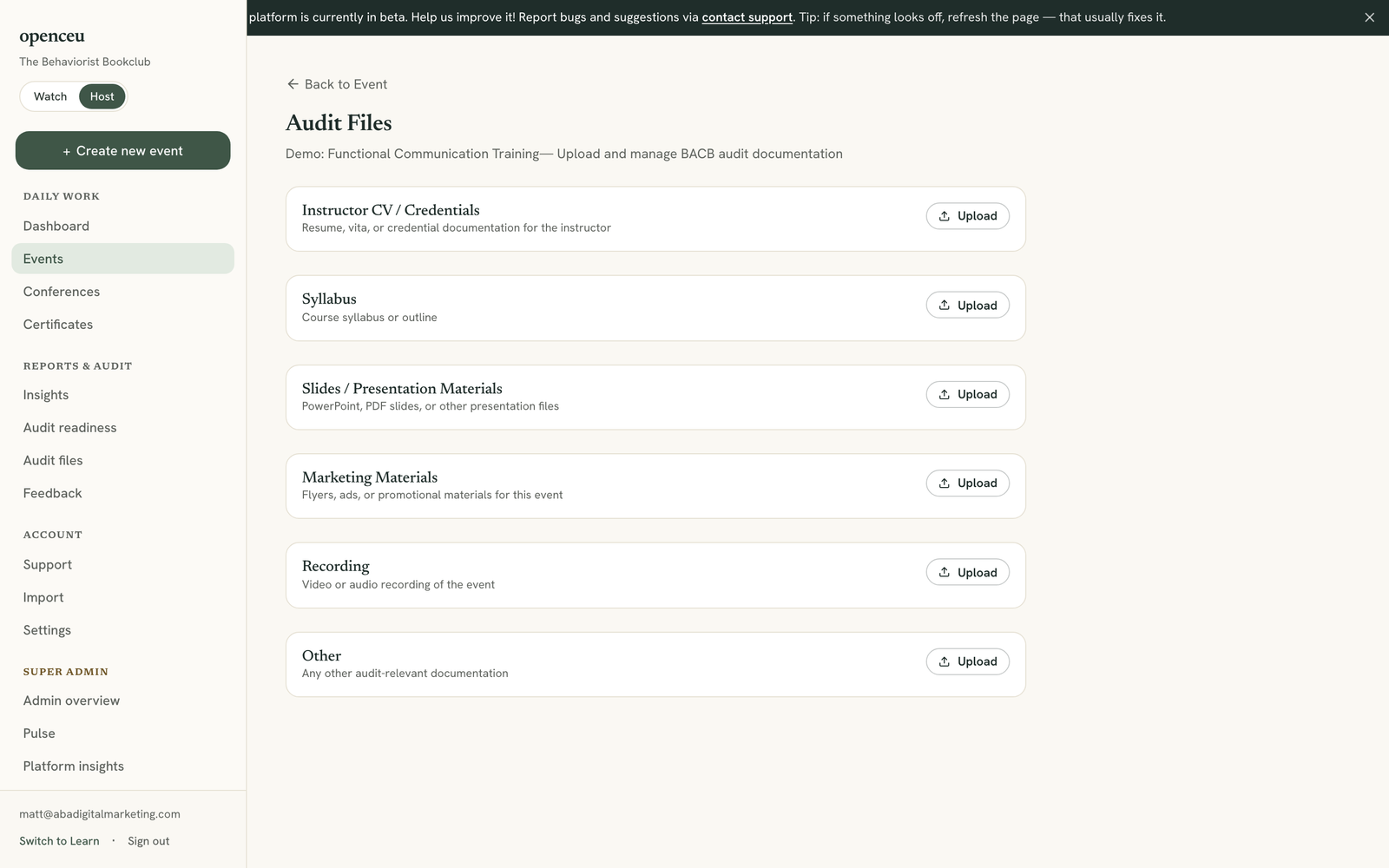
Open one event's audit files
Go to your event and click Audit files in its checklist. You will see file categories like instructor CV, syllabus, and slides.
Upload a missing file
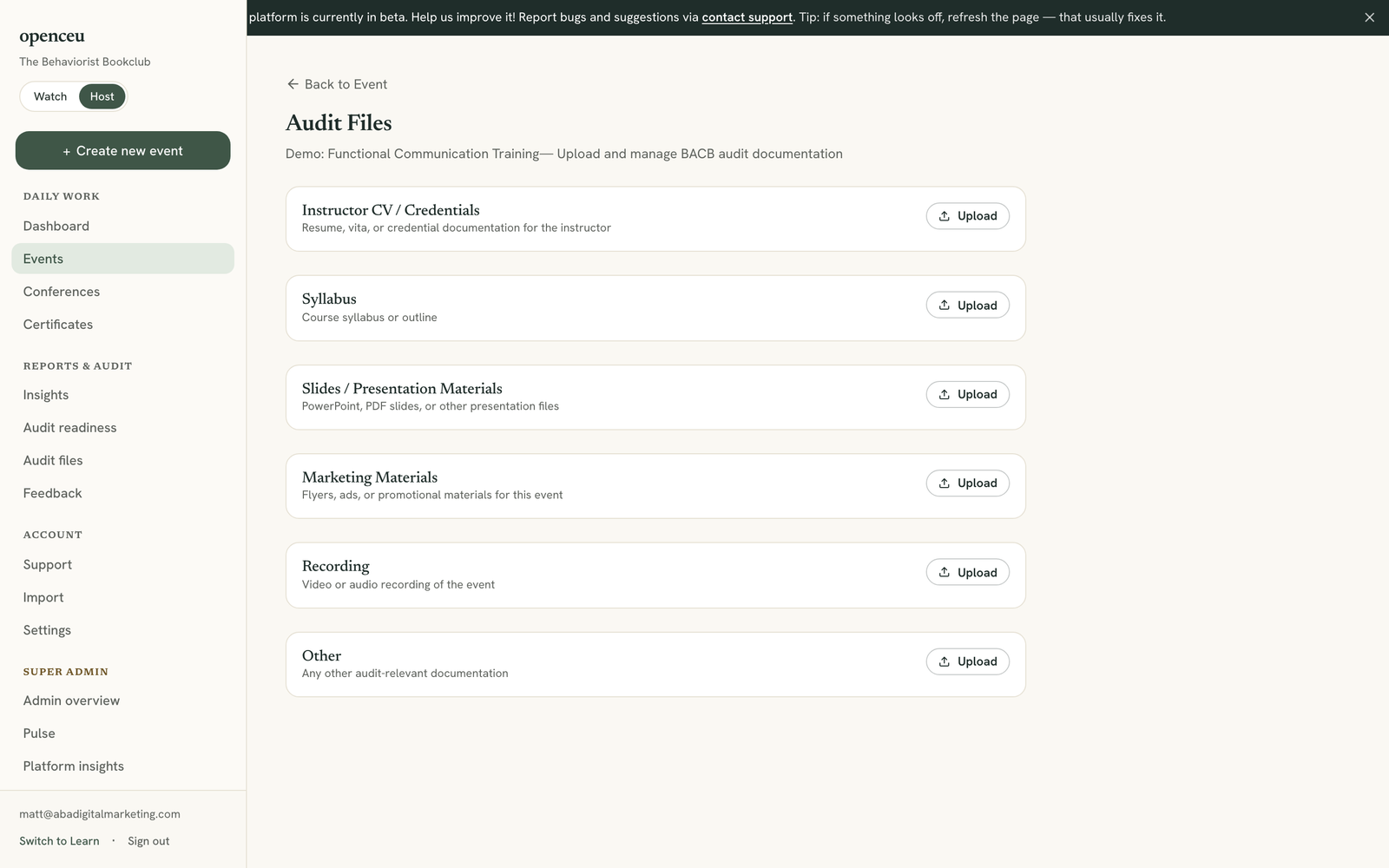
Click Upload next to any category to add a file. Click the download icon next to a file to save it, or the trash icon to remove it.
Export your whole organization
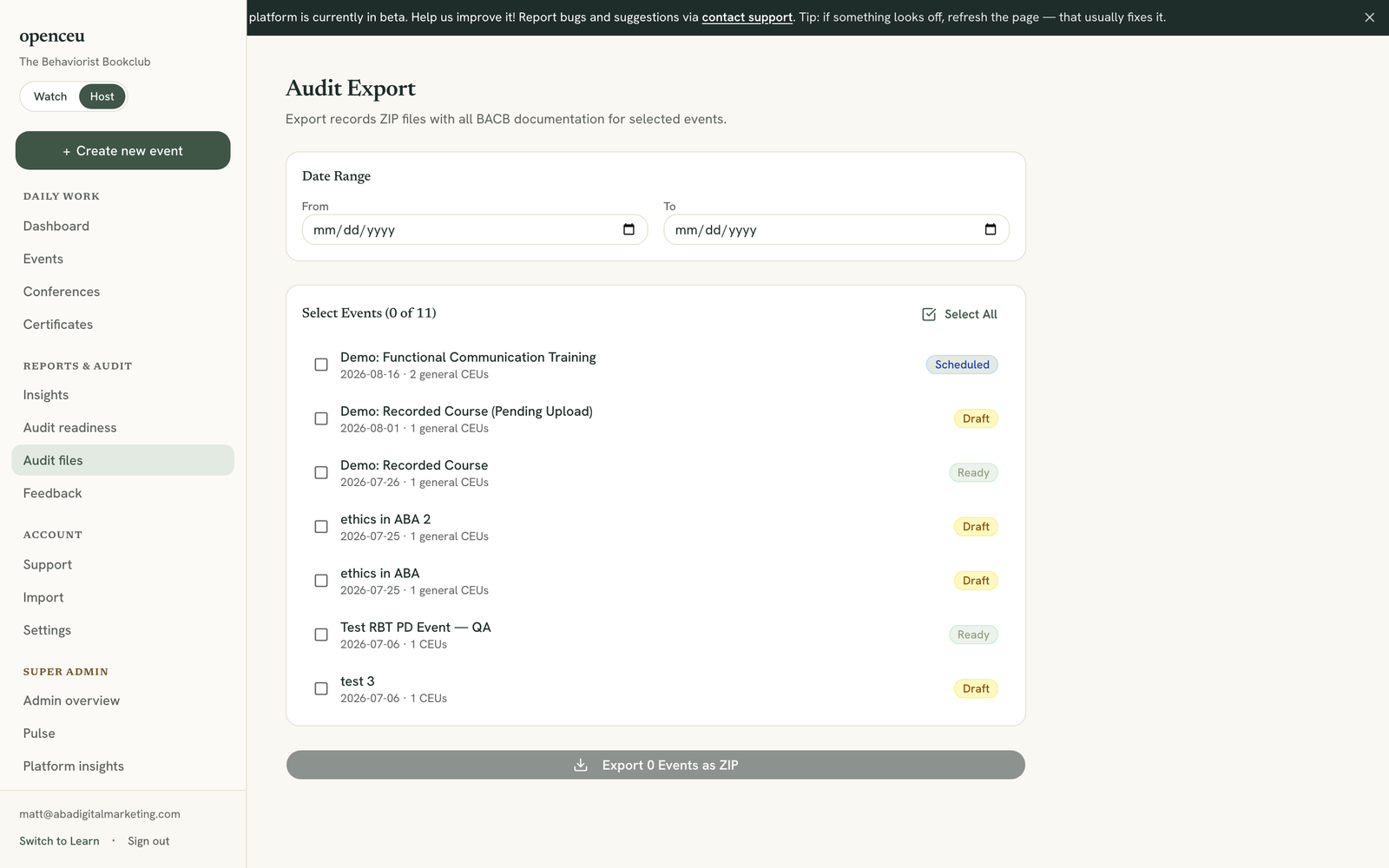
In your side menu, under Reports & audit, click Audit files. This is the org-wide export tool, separate from the per-event page.
Pick your events and export
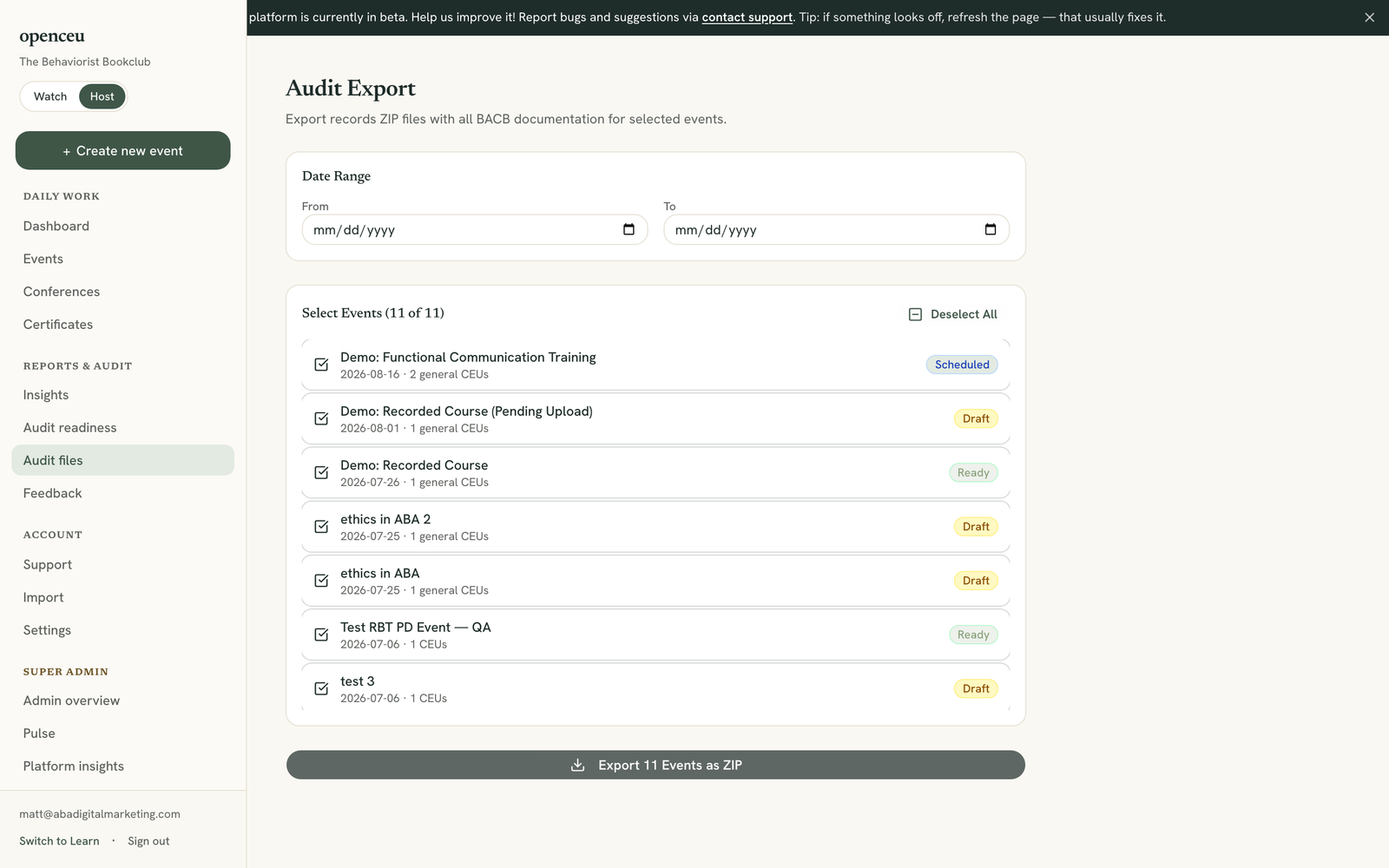
Set a date range if you want, then check the events you need. Click the export button, it shows how many events you picked, to download certificates, submissions, activity, an attendance roster for each event, feedback, and uploaded files together in one ZIP.
Two pages, same name
Still stuck? Contact support and we'll help.