Edit your event details
Nothing on the create form is final. Come back here any time to update your event before it goes live.
Open Edit for your event
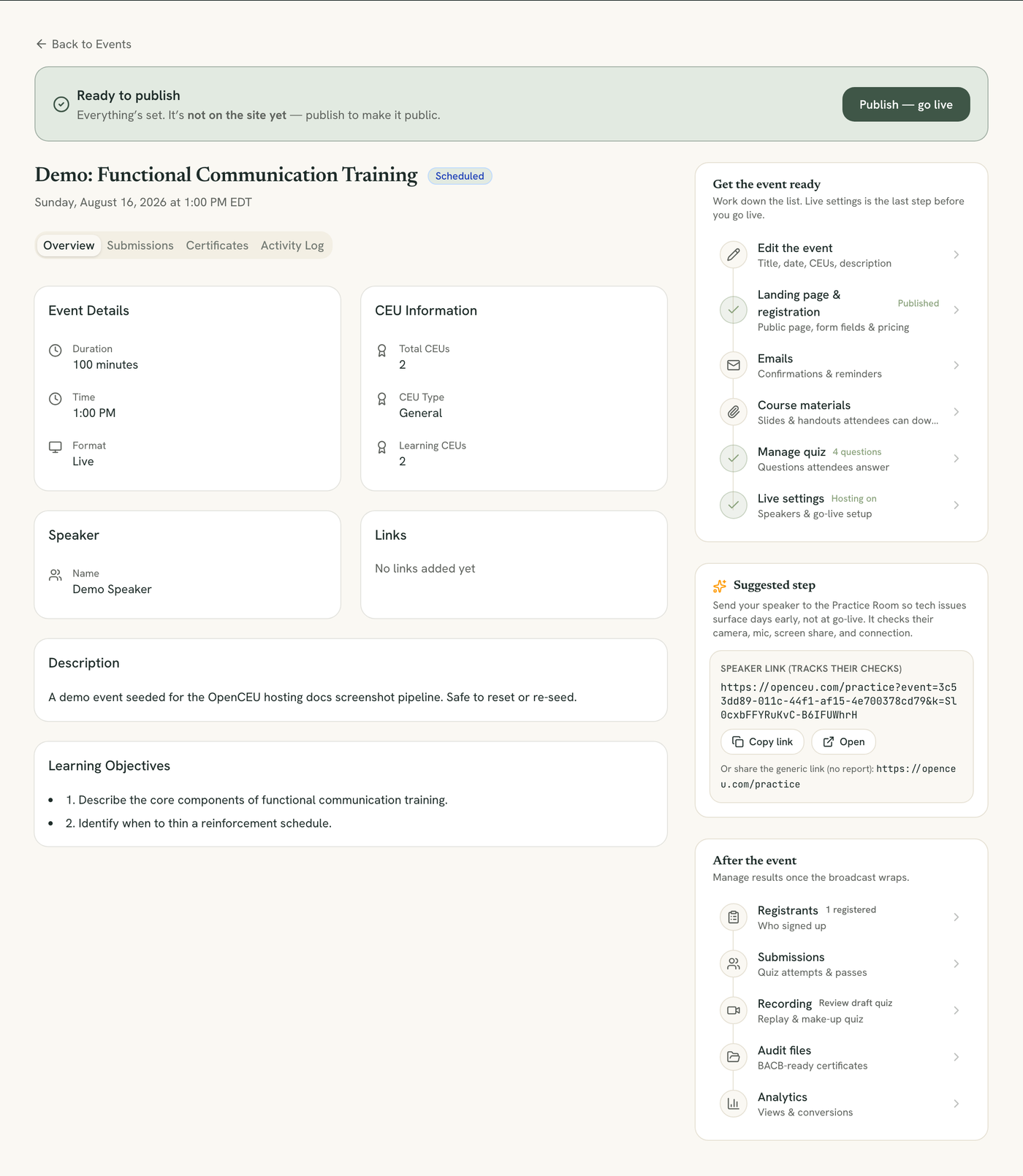
Open your event, then click Edit the event in the checklist.
Upload a poster image, for live events
Live events show a Poster image section at the top. Choose a JPEG, PNG, or WebP file up to 5 MB. It shows on browse cards and your event’s detail page. If you never upload one, the replay’s card uses a frame from the recording once it’s processed, and removing your upload brings that frame back.
Recording courses manage their thumbnail elsewhere
Update the required fields
Change the Event Title, Date, Time, or Time zone as needed.
Update the optional details
Adjust Duration, speaker name and BACB number, modality (Live, Recording Only, or Live + Recording), CEU type, CEU or Ethics or Supervision counts, and the description, abstract, and learning objectives.
Audience is locked
Live only — no replay
Save your changes
Click Save Changes at the bottom of the form.
Still stuck? Contact support and we'll help.