Attend a live CEU and get credit
Live CEUs are simple: register, join at start time, and answer the quick attendance checks during the talk. Get enough right and your certificate is emailed to you automatically — no separate quiz.
Before you start
Are you an RBT?
Open the event link and register
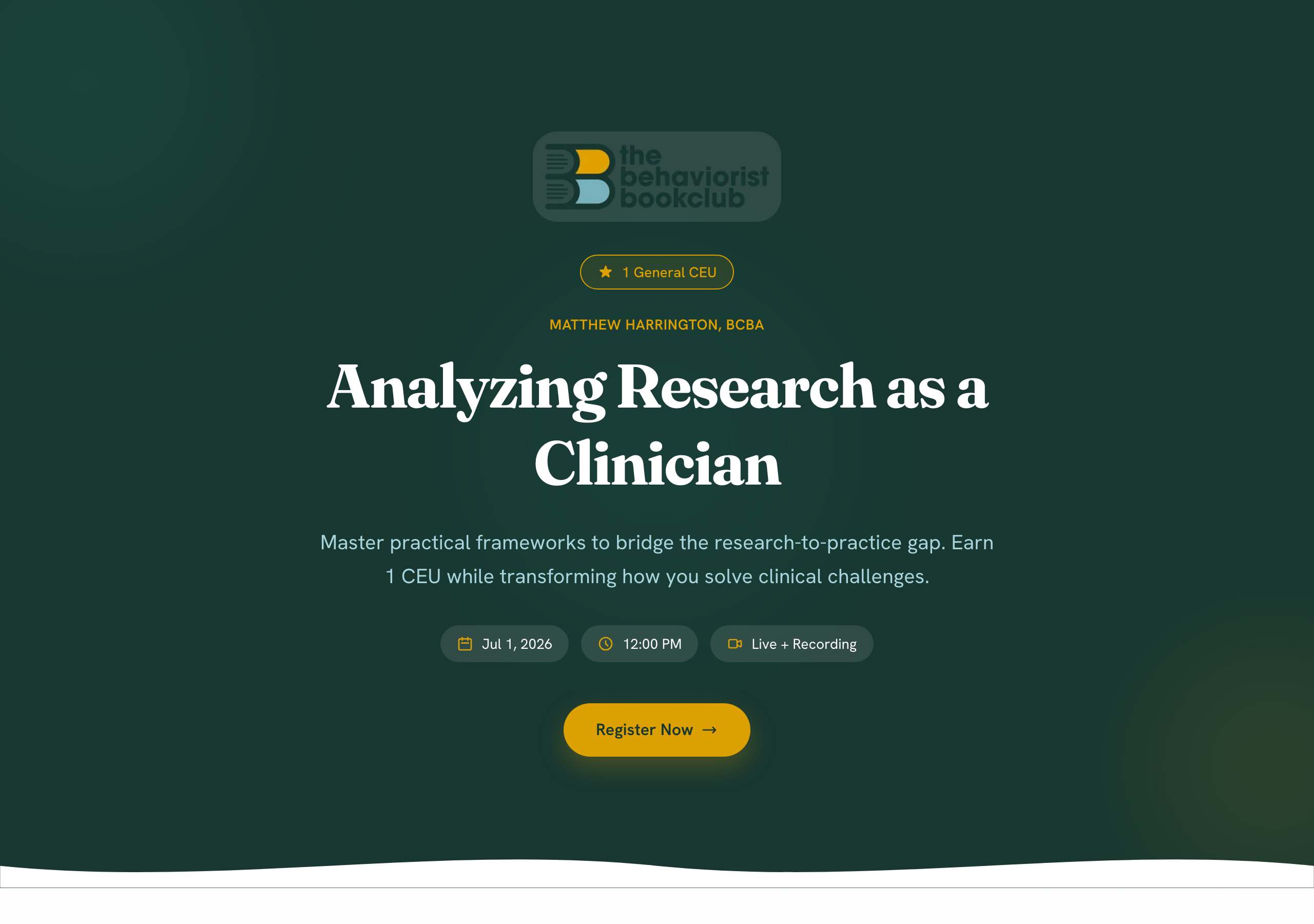
Your host shares an event link (in Skool, email, or on OpenCEU). Open it and click Register to save your spot. Free events register in one click; paid events run through a quick Stripe checkout.
Join at start time
Come back to the same link when the event starts. The moment the host goes live, the stream plays right there. Keep the tab open and the video visible — attendance checks appear during the talk.
Answer the attendance checks
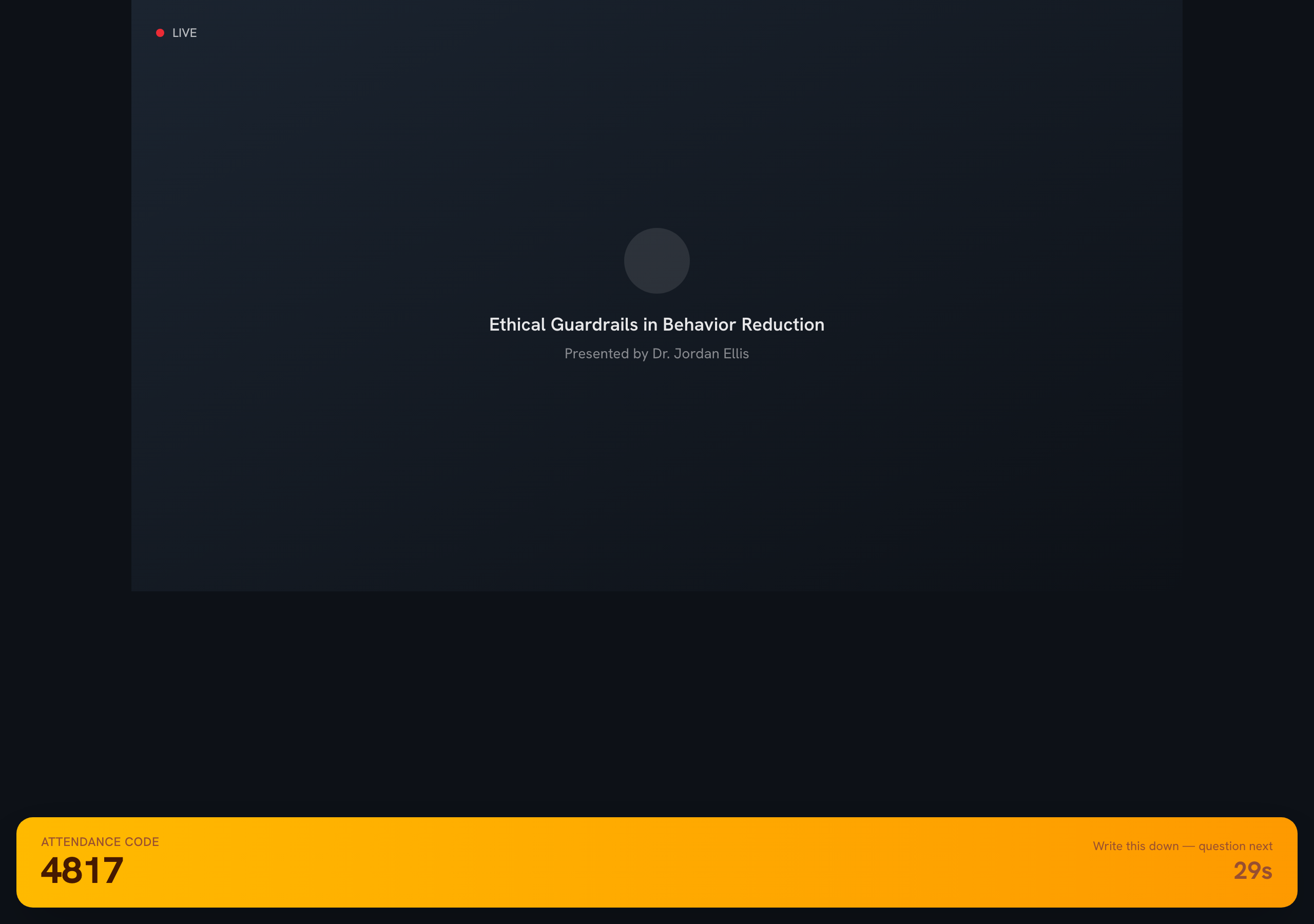
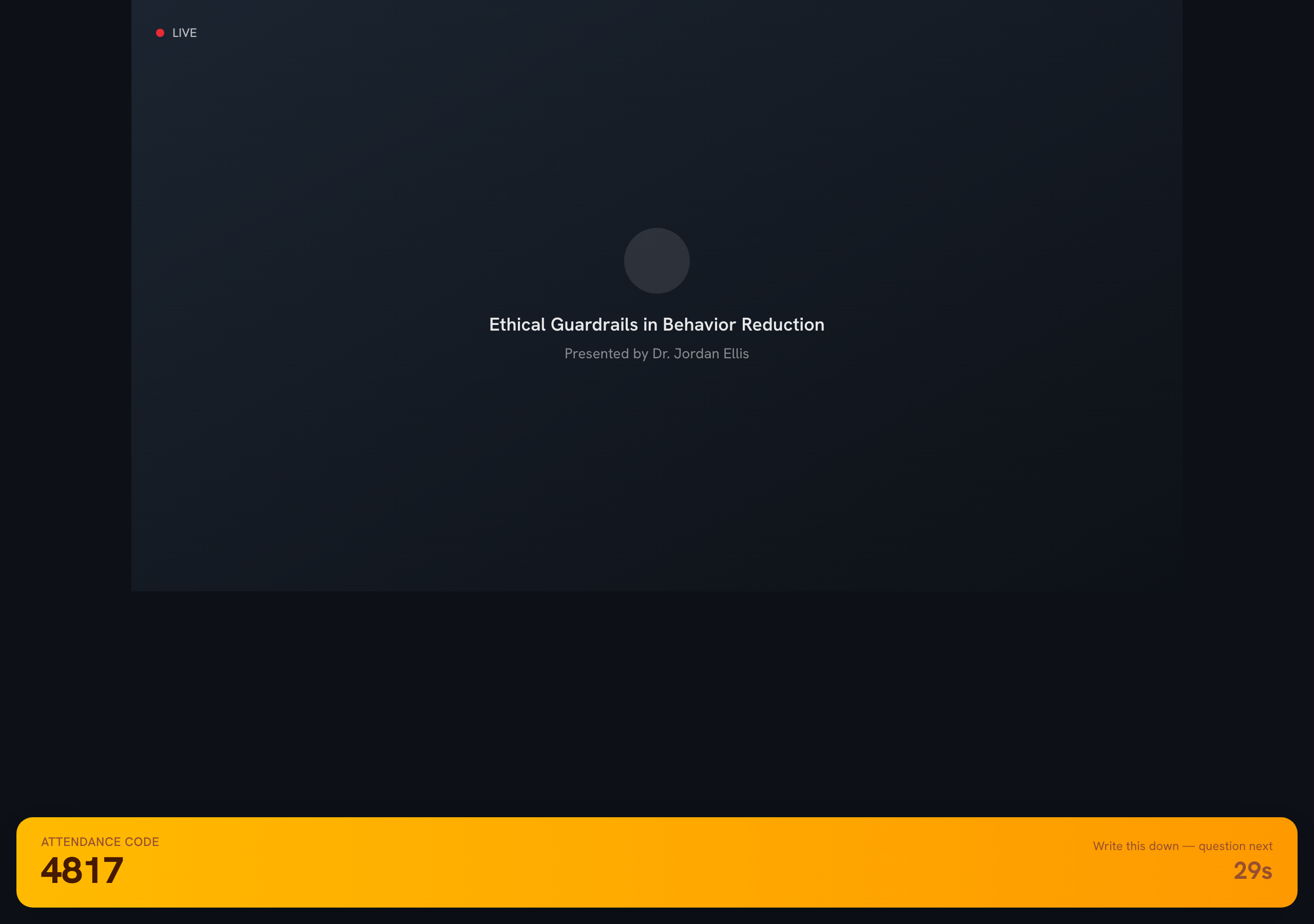
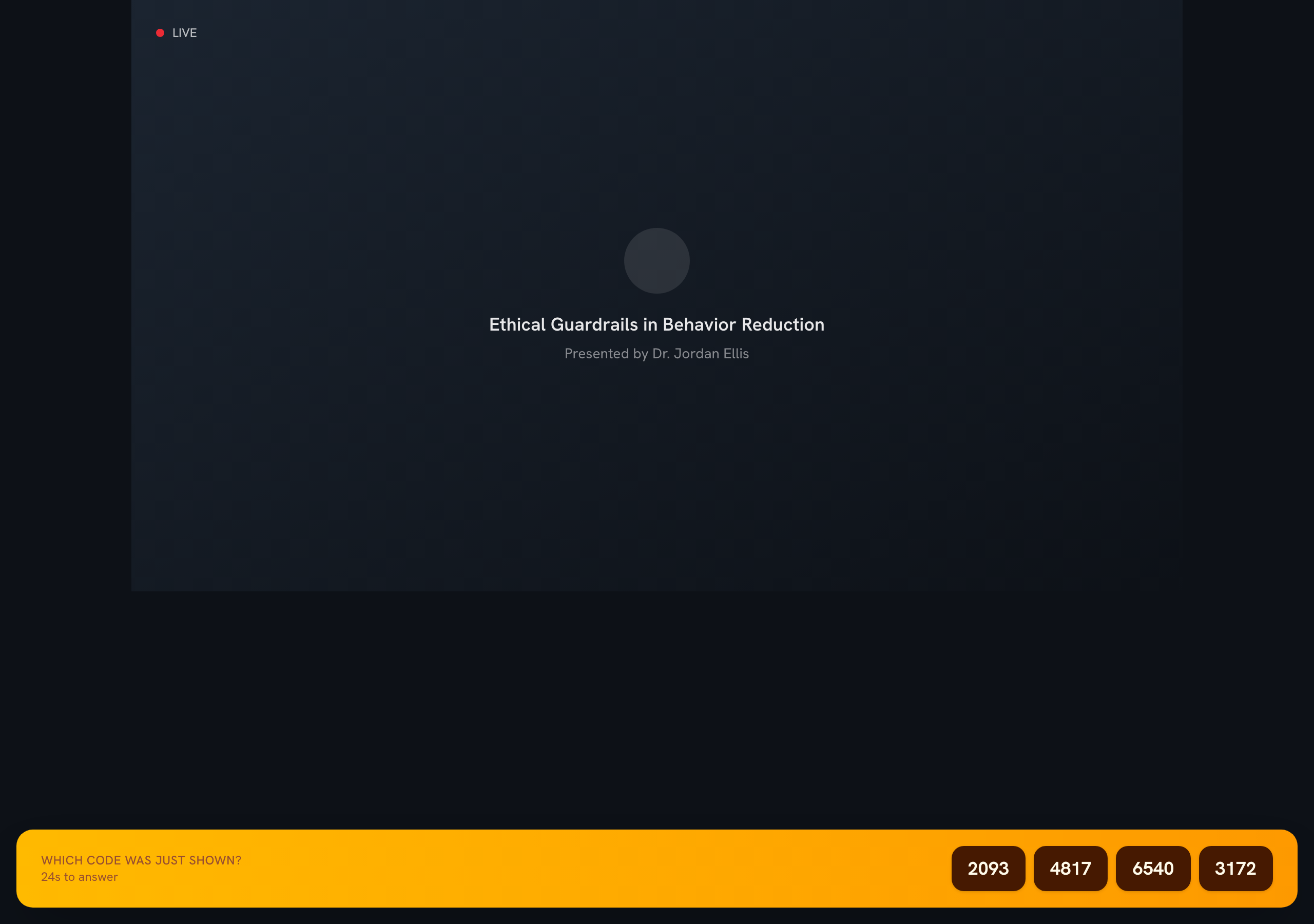
A few times each hour, a 4-digit code flashes across the bottom of the player. Read it and hold onto it for a second.
The code then hides and four number buttonsappear — tap the number you just saw. You'll hear a soft ding when the code shows and again when the buttons appear, so you won't miss it.
Tap the code you saw
That's the whole check — one tap. Green means you got it. These checks are how BACB confirms you were actually present.
How many do I need?
Get your certificate
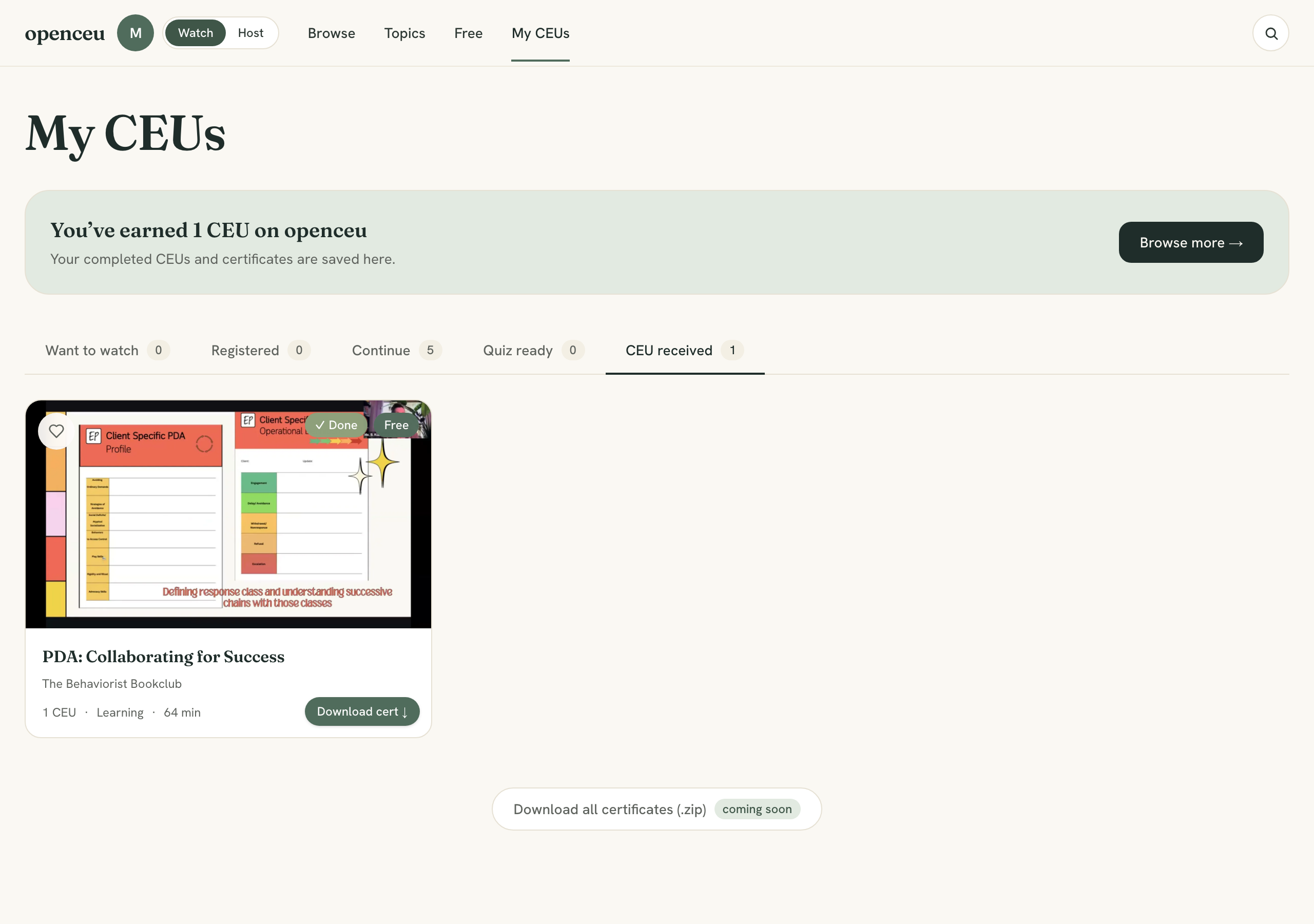
When the event ends, we check your answers and — if you passed — email your certificate automatically. It also shows up under Your Library, where you can download it anytime.
Missed a few checks?