Host a panel with co-speakers
Hosting with co-speakers works a lot like hosting alone. Here is what changes.
Every speaker joins the same green room
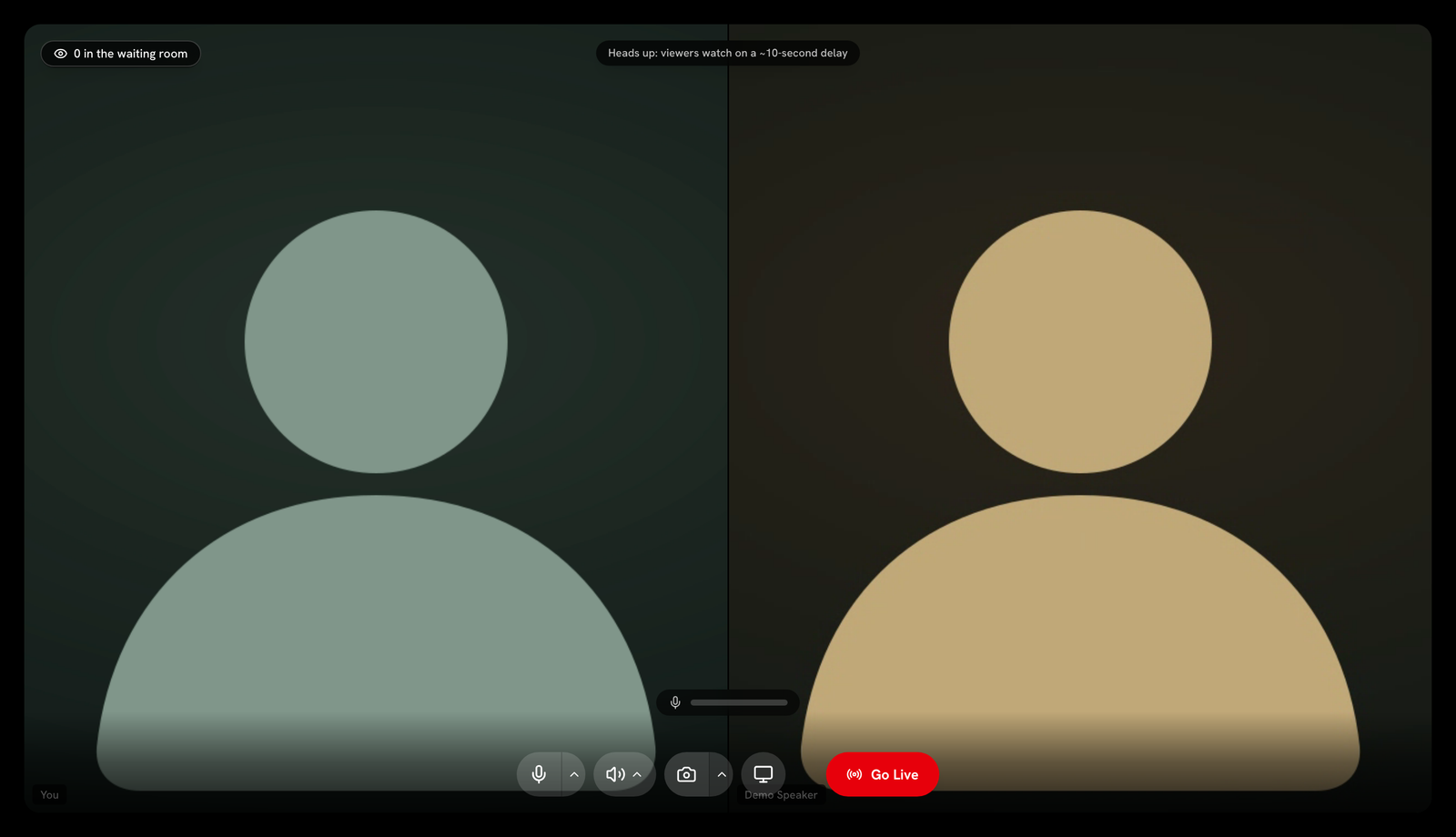
Every approved speaker joins the same green room as you. You see a tile for each person who joins.
Tiles arrange automatically
With two or more presenters, tiles arrange in an even grid. The grid grows from two across up to a three wide grid for larger panels. You do not need to arrange anything by hand.
Screen share changes the layout for everyone
When anyone on the panel shares their screen, the layout switches for everyone. The shared screen fills the main frame. Camera tiles shrink into a corner strip. This matches exactly what attendees see. See Share your screen for more.
Mute or remove a co-speaker
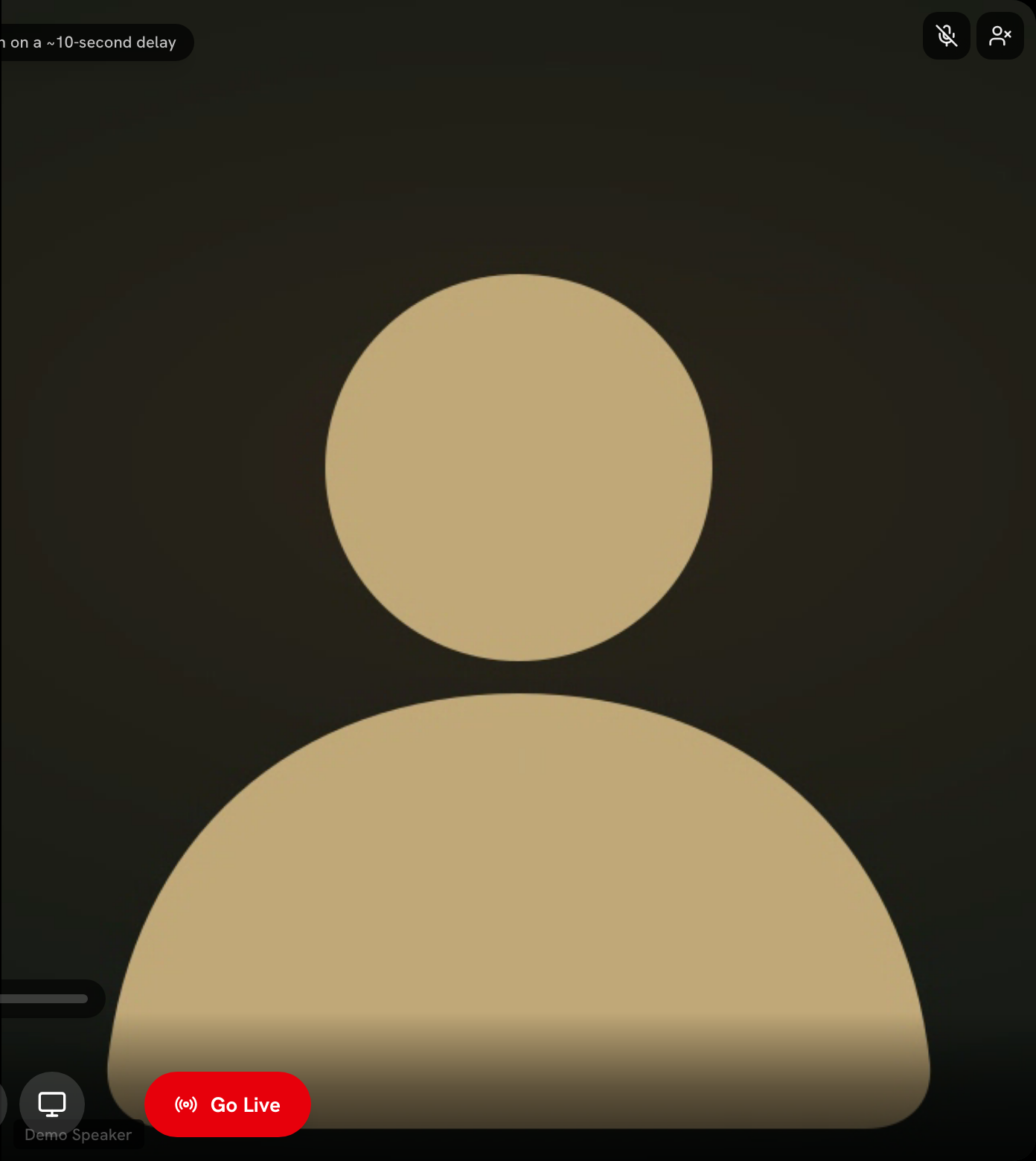
Hover over a co-speaker's tile to see two controls. You can mute their mic, or remove them from the panel. Removing someone asks you to confirm first.
Check who is muted at a glance
A muted badge appears on a speaker's tile if their mic is off. You can see who can be heard without asking.
Green room audio is shared
Still stuck? Contact support and we'll help.