Sign in and manage your account
Sign in with your password or with a code we email you. Account settings is where you change your email or password, update your profile, export your data and delete your account.
Sign in with your password
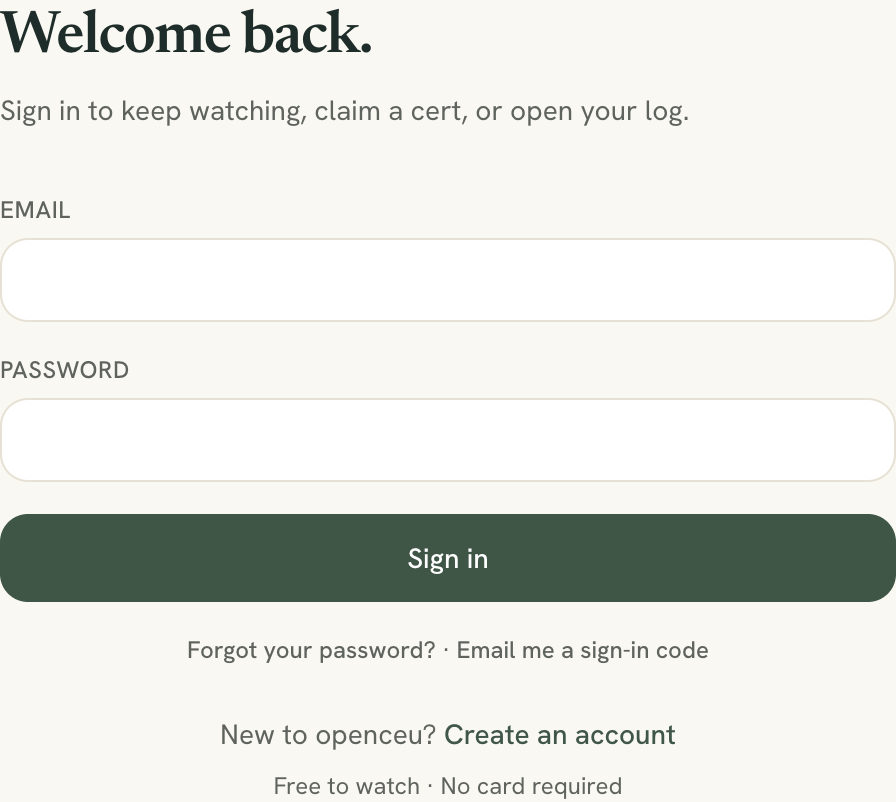
Go to Sign in, enter your Email and Password, and click Sign in. You land back where you were headed, or in My CEUs by default.
No account yet? See create your account.
Sign in with an emailed code
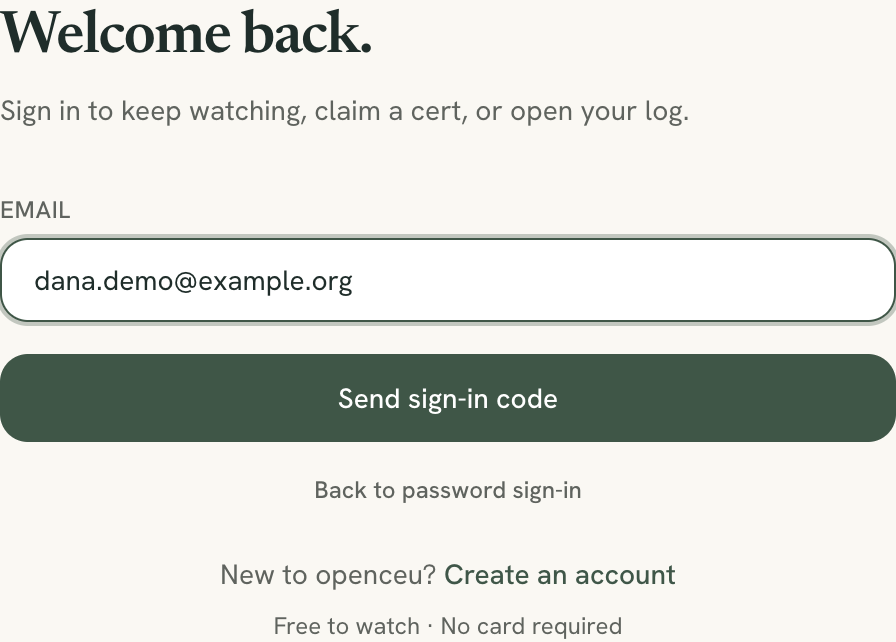
No password needed. On the sign-in page, click Email me a sign-in code, enter your email and click Send sign-in code.
Type the digits from the email into Code and click Verify and sign in. The code is good for 10 minutes. If it does not arrive, check spam, then click Resend code (you can resend once a minute).
You always see the same message
Forgot your password
On the sign-in page, click Forgot your password?. Enter your email and click Send reset link. Open the email, click the link, then type a new password twice and click Update password. A password needs at least 10 characters.
A reset link expires and works once. If you see that it has expired or was already used, request a new one from the same page.
A Skool or ABA Clubhouse login is separate
Open your account settings
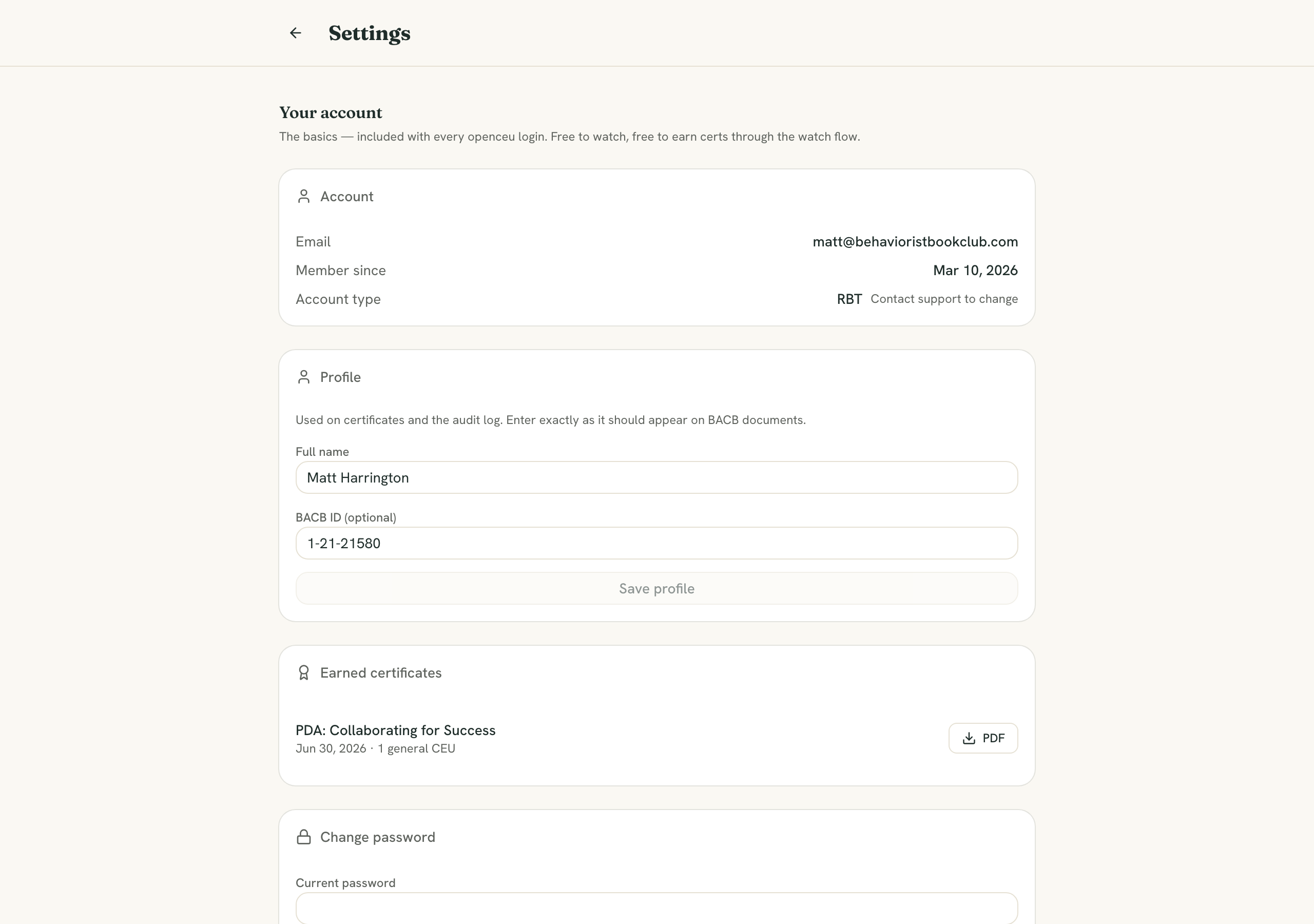
Click your avatar in the top right and choose Account, or go to Settings. The page is split into cards. Each one saves on its own.
Update your profile
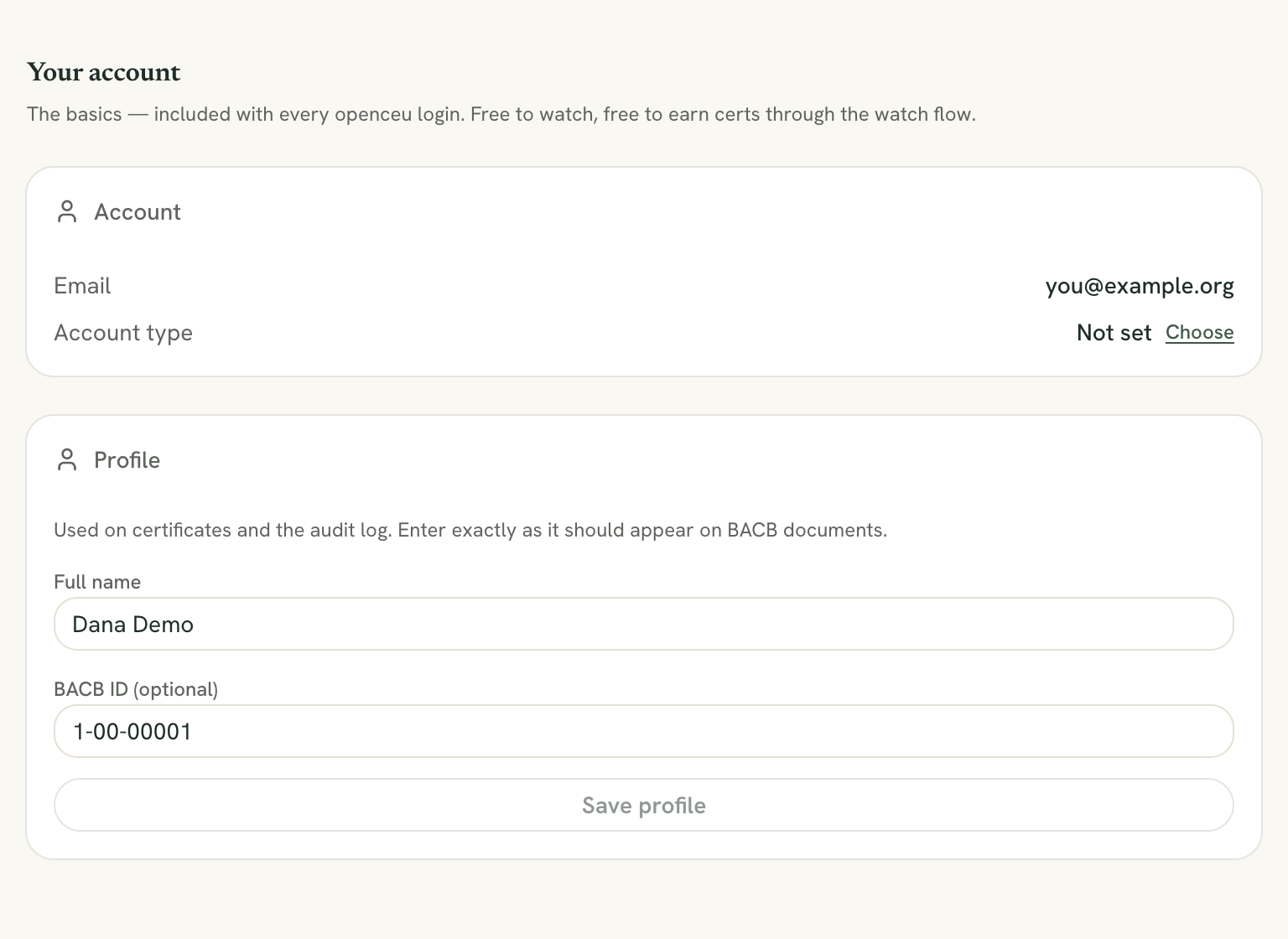
In Account, you see your email, the date you joined and your Account type (BCBA / BCaBA or RBT). Click Change to switch it.
In Profile, set your Full name and BACB ID (optional), then click Save profile. Your state and job title show here only if they are blank.
The CEU tracking card holds your recertification date, credential types, licensed states and the supervision switch. See My CEUs.
Certificates use what you type when you claim
Change your password
In Change password, enter your Current password, a New password (at least 10 characters) and Confirm new password, then click Update password. The same card has a Send a reset link link if you forgot the current one.
Change your email
In Change email, enter the New email and your current password, then click Send confirmation. We email a link to the new address. Until you click it, you keep signing in with your old email.
Certificates and events follow your email
Export your data
In Export Your Data, click Export CSV for your CEU records, or Download All PDFs for your certificates. If you have none yet, the page tells you there is nothing to export. For a log that includes certificates from other providers, use the Export menu in My CEUs.

Delete your account
At the bottom of settings, the Danger Zone card has Delete Account. Type your email to confirm, then click Delete Account again. This deletes your login, your profile and your CEU log, and it cannot be undone. Certificates you earned on OpenCEU, and the attendance, quiz and completion records behind them, are not deleted: they are kept for seven years so you, the provider or the BACB can verify them. Export your data and claim any certificate that is waiting before you delete: once your account is gone, a waiting certificate can’t be claimed.
If you have an OpenCEU subscription, deleting your account cancels it first. If OpenCEU can’t cancel it or can’t check it right now, nothing is deleted. You see a message, and you can try again in a few minutes. If OpenCEU hasn’t confirmed your email with a code yet, a box titled Confirm your email first may appear. It emails a 6-digit code to your account address. Enter it, and the deletion continues.