Running long on time
If your event runs past its scheduled end time, you get extra time built in. Here is how it works.
You get a 15 minute grace window
If your event runs past its scheduled end time, nothing cuts you off right away. There is a 15 minute grace window built in.
A prompt appears near your end time
A prompt appears near your scheduled end time. It lets you know the room is still open.
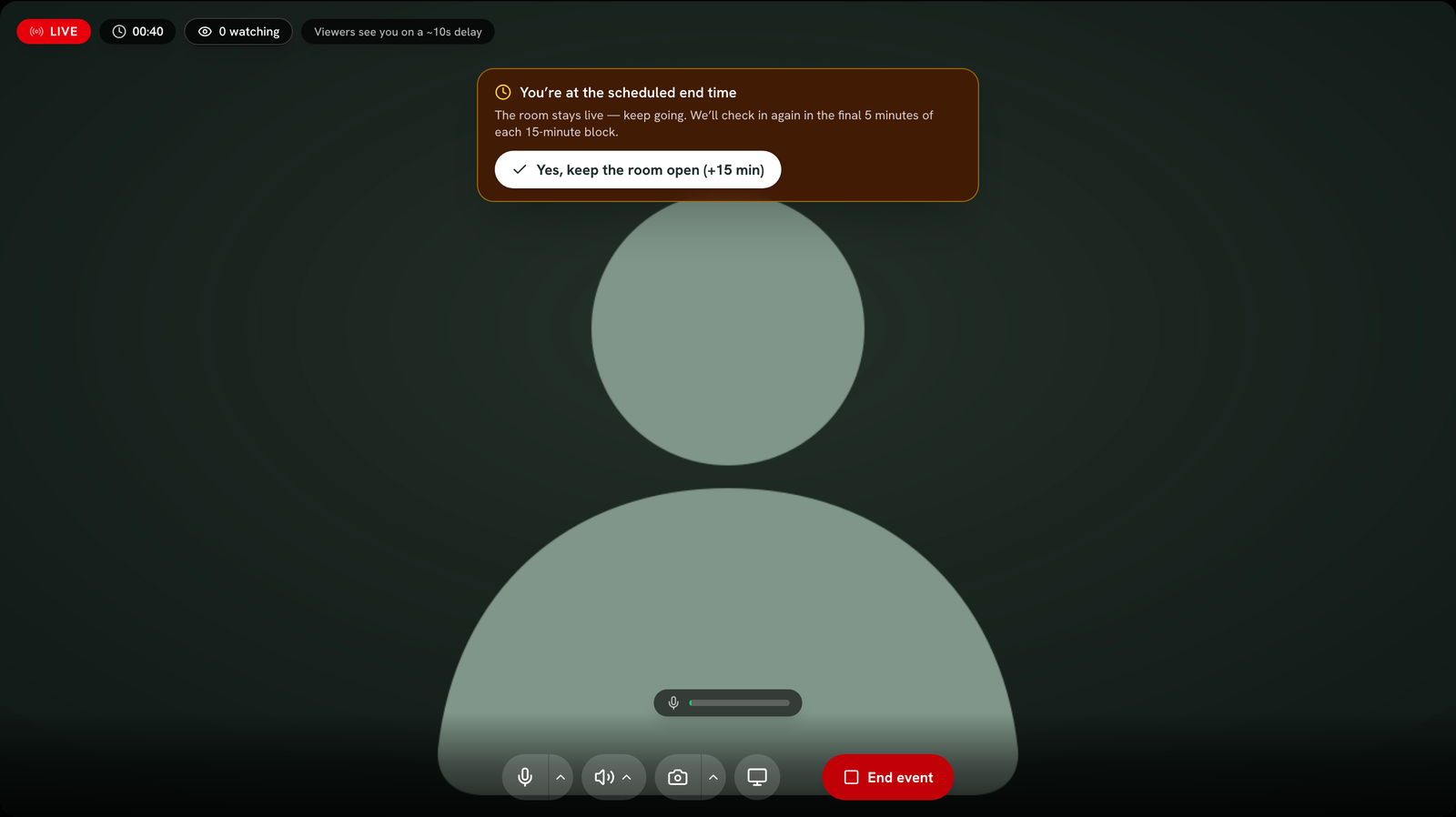
Extend the room in 15 minute blocks
Click "Yes, keep the room open (+15 min)" to extend. Each click adds another 15 minutes. Click it as many times as you need.
The event ends on its own if you don't respond
If you do not respond and time runs out, the event ends automatically for you. This protects attendees from an event that never closes.
The last 5 minutes get more urgent
In the final 5 minutes of a grace window, the prompt reappears with a countdown. This makes sure you do not miss it.
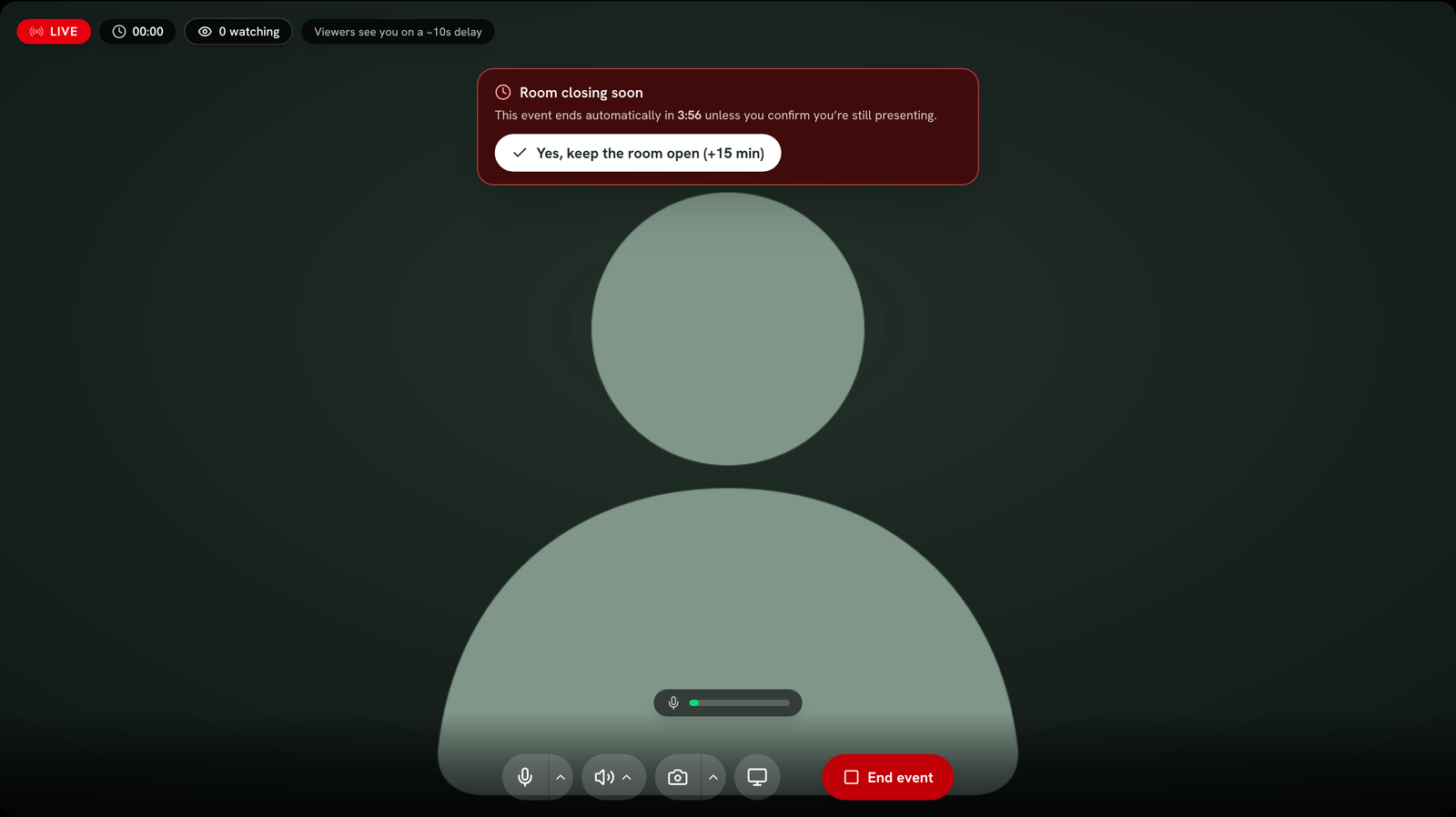
Only you see this prompt
This only applies to you as host. Invited speakers see the live timer, but they never see this prompt and never trigger an auto end.
Attendance codes are not affected
Still stuck? Contact support and we'll help.